Browser: Safari, but doesn’t matter
OS: macOS
WP: 7.1.1
Some strange color palette issues.
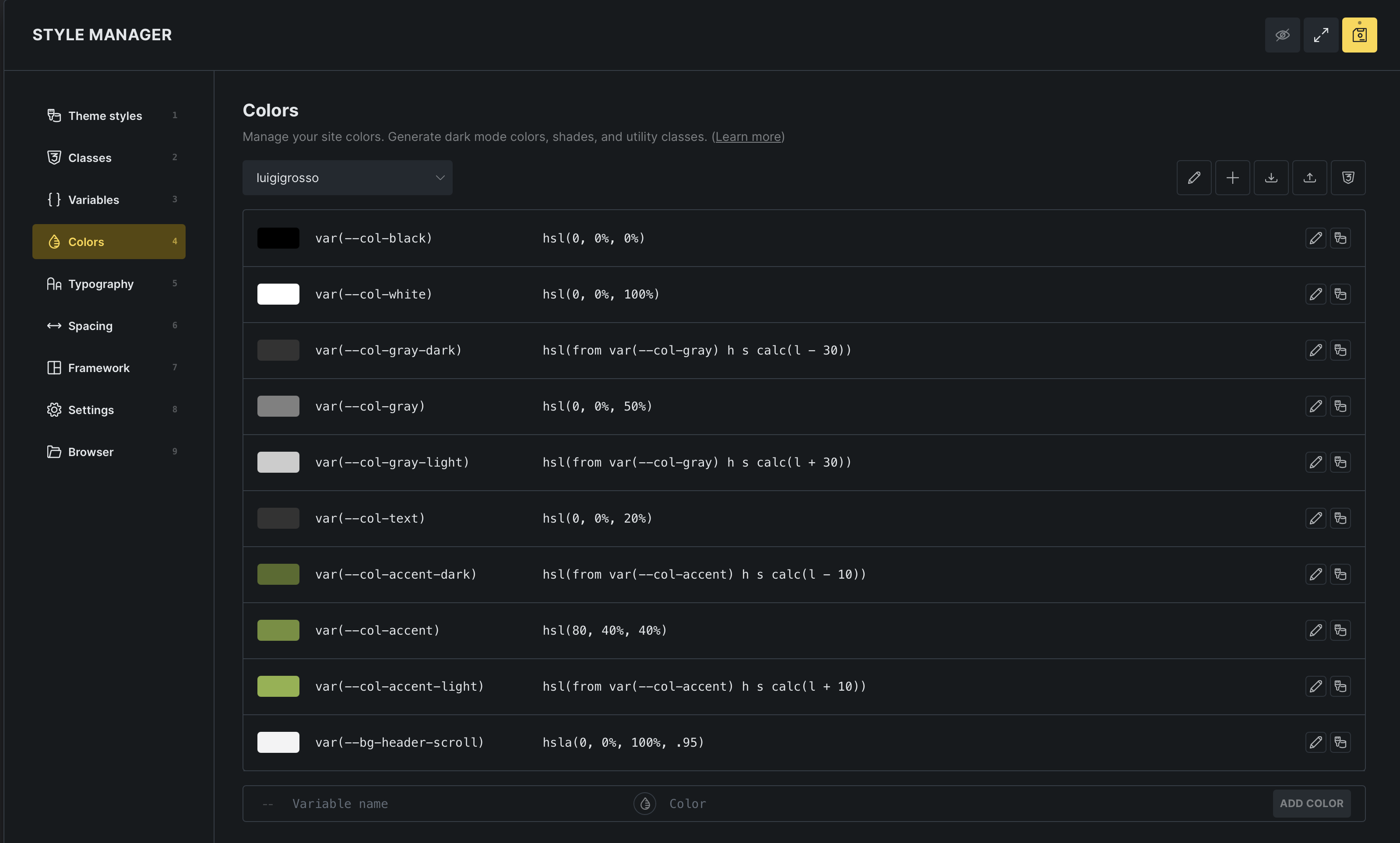
I defined my color palette like this, based on variables and some related calculations.
Colors are displayed correctly:
(I enlarged the color value input field a bit by custom builder CSS to show the full value instead of being cut off. You could enlarge the fields by default if no other than default light mode colors are defined.)
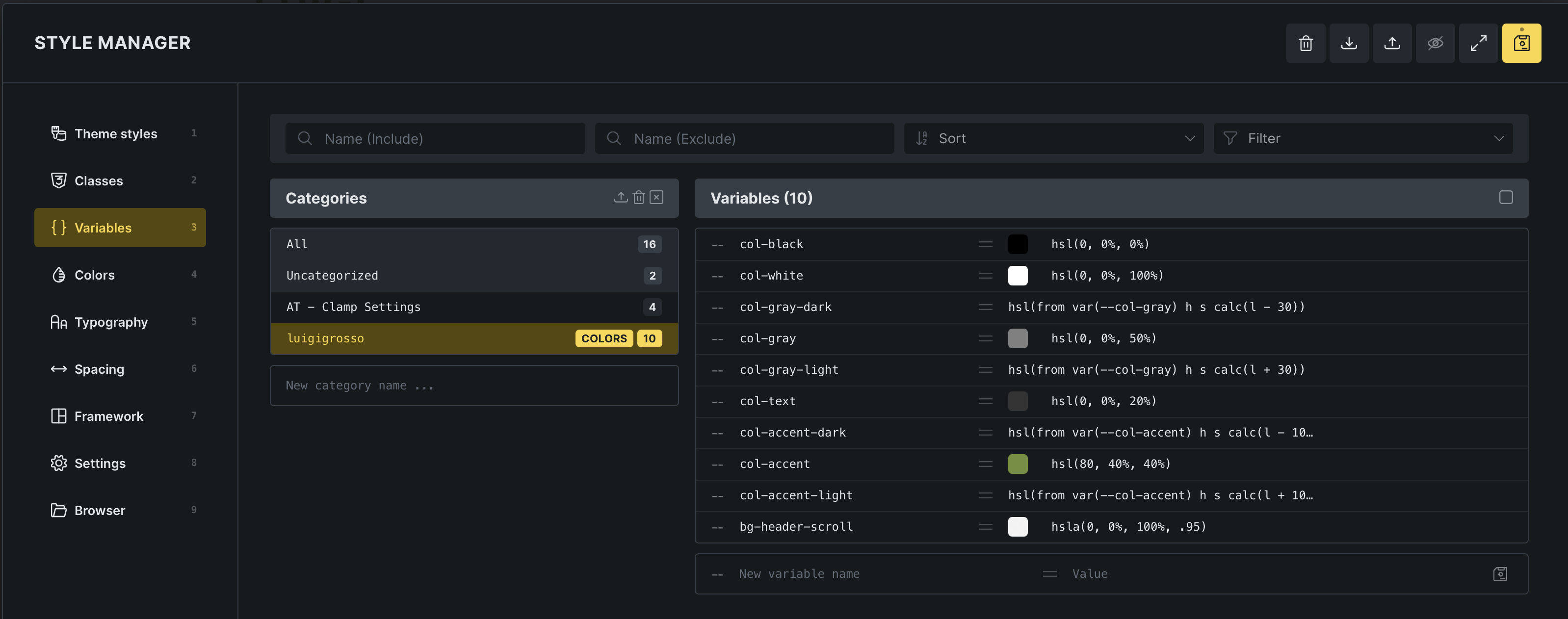
In the Variable Manager, the calculated colors are NOT displayed correctly. They’re are missing the color sample square:
In the Builder properties, all colors are shown correctly:
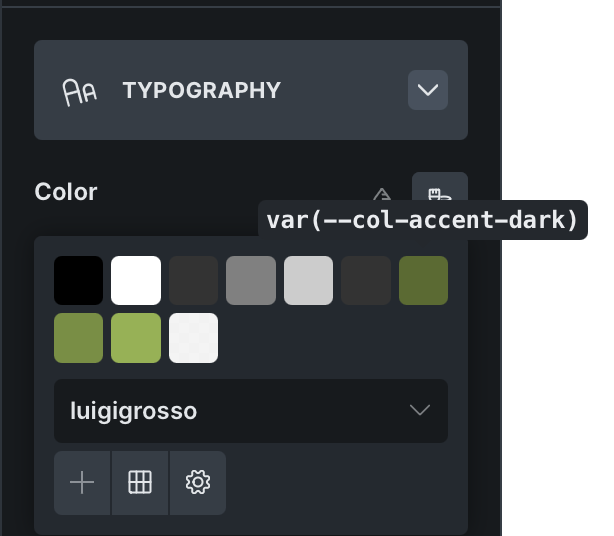
In Gutenberg editor, the colors are shown correctly in the editor iframe, but not in the block property sidebar, where they’re just some shade of gray:

The whole scenario looks like missing variable definitions in some instances.
For example, when inspecting the outer Gutenberg page, where the property panel resides, there’s no variable --col-accent defined. While the --col-accent color value is assigned directly and displayed fine, the value calculations for --col-accent-dark and -light fail due to the missing --col-accent definition.
I can send you the color and variable exports on request, as uploading JSON files is not allowed here.
Additional details:
- Advanced Themer was active on this site before the Bricks update, but is now disabled, since not yet compatible with Bricks 2.4. So some basic/default AT viewport variables are still there, but shouldn’t have any impacts on my scenario.
- No other relevant plugin installed that might influence Bricks or Gutenberg.
- Gutenberg editor is running in iframe mode.