Close icon inside popup?

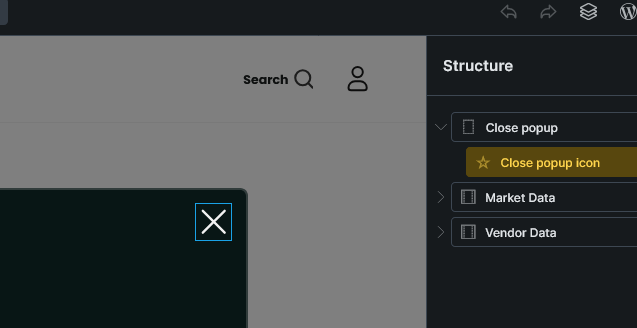
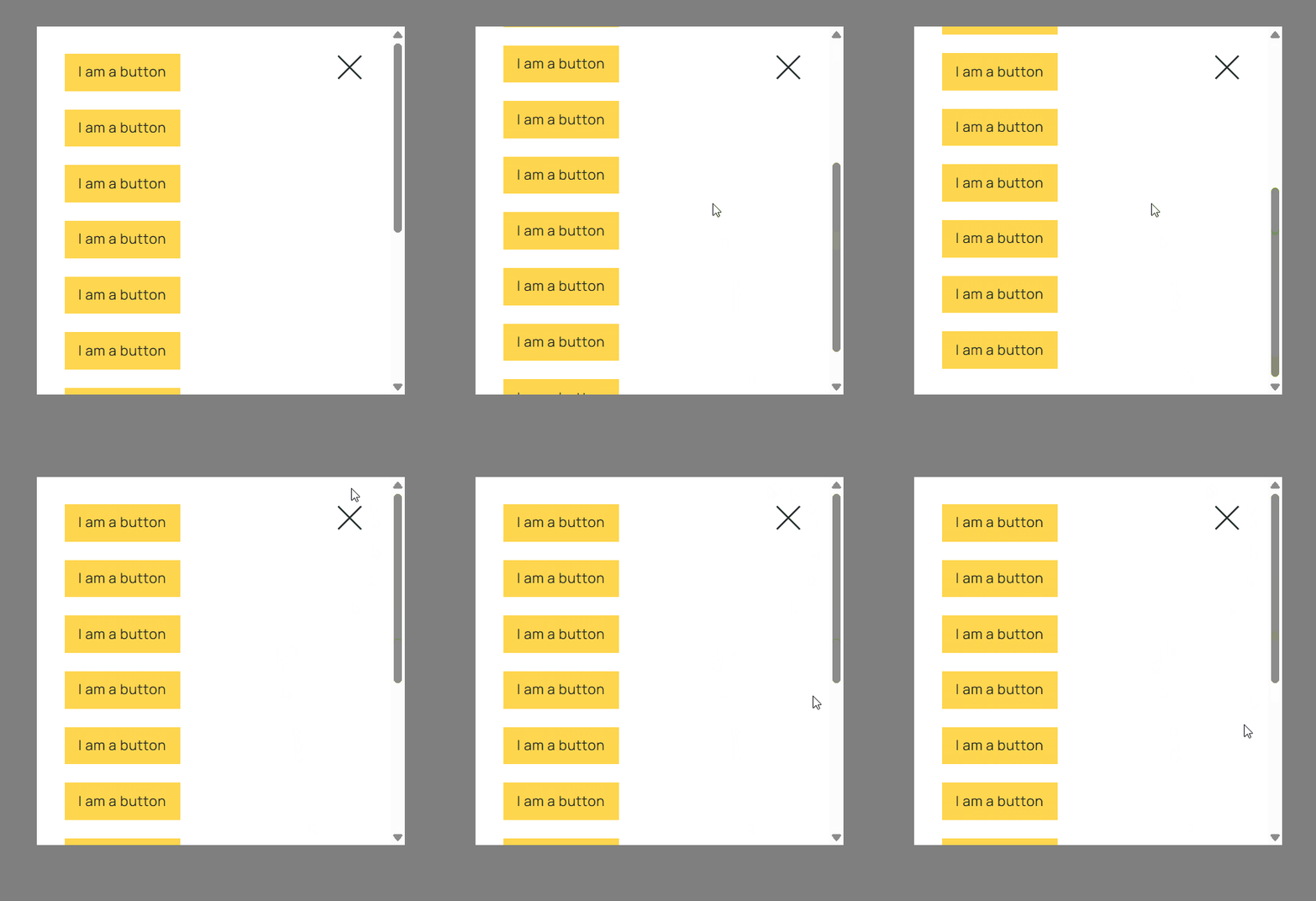
I’m trying to add a close icon to the popup and place it inside the popup on the top right corner… but everything I’ve tried doesn’t work. The popup content is scrollable and I always want the close icon to show on the top right of the popup but can’t get it to work. Any one have success doing this and want to share css or how they did it? See the screen shot.

I also don’t see why bricksbuilder doesn’t have an option for a popup close icon built in :frowning:

Thanks in advance.

Screenshot 2025-08-15 at 09-18-54 Grid Popup – Market or Vendor (Template)

Hi @dailce,

Just set its position to Fixed.

Close

Hi @dailce,

Do you have configured an interaction?

Trigger: Click
Action: Hide element
Target: Popup
Popup: YourPopup

Best regards,
Chris

Tried fixed but it’s not fixed the popup box, it gets fixed to the window… why is this so hard?

Bug??? Sooo… it seems because the popup content has overflow-y: auto the close icon has to be outside the scrollable area.

  1. .brx-popup-content remove max height
  2. add max-height: 75dvh; overflow-y: auto; to my container
  3. remove overflow-y: auto; from the popup

So cumbersome… why isn’t there an easier way… brutal.

Make sure your popup wrapper (not the overlay, the actual popup content box) is position: relative;