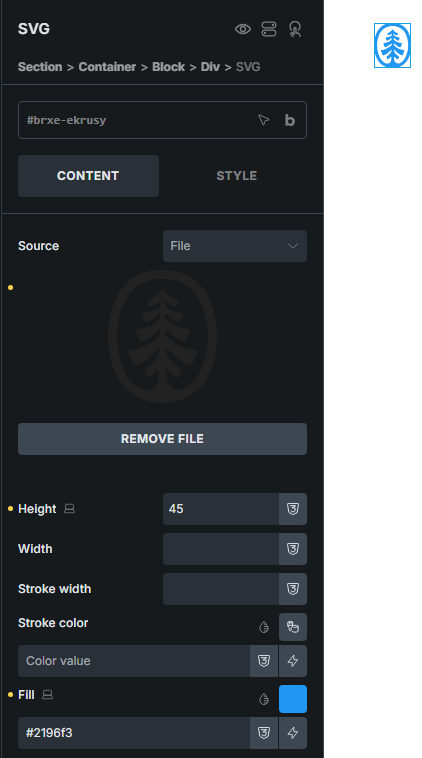
This was working up until v.2.1.4.
Fill specified for the SVG:

Now on the front end the fill is ignored:
This was working up until v.2.1.4.
Fill specified for the SVG:
Now on the front end the fill is ignored:
What is the structure of your SVG? Does it have the fill attribute in it?
That’s irrelevant. Yes it has a fill attribute, but Bricks allows you to override that.
Awesome. Glad it works in some instances still.
Hi @ainom ,
Can you please share the SVG file here? Maybe the SVG file has an inline style with higher specificity like !important, causing fill:#ffffff not working?
Regards,
Jenn
The SVG file is here: Dropbox
The important point is that with version 2.1.4, every object fill was white (as expected), while after v.2.2 it appeared in only its native colours.
Bricks removed the !important keyword here:
2.1.4:
#{ELEMENT_ID} :not([fill="none"]) { fill: #ffffff !important; }
2.2:
#{ELEMENT_ID} :not([fill="none"]) { fill: #ffffff; }
Your SVG file uses inline style attributes to set fill colors (style="fill:rgb(11,104,157)") instead of fill attributes (fill="rgb(11,104,157)") . And inline style attributes always win the specificity battle – unless !important is used.
Personally I like !important keywords being removed and would encourage you to “clean up” the SVGs before using them.
Update:
I used SVGOMG to clean up the file – specifically the Style to attributes option. This is the result:
Seems me asking about your SVG was not so irrelevant after all.
Was this change intentional or is it a bug? Are you part of the Bricks team?
I can’t answer that question as I am not part of the Bricks team.
OK…so given that the behaviour has suddenly changed without a published rationale, and given that the concept of the feature is to override any styling in the SVG in the first place, this absolutely seems like a bug to me. I’m looking for the Bricks team to register it as such and include a fix in the next release.
If it is a bug, then why does it not affect others who are using that element? Just because you are having issue (and we have seen that your svg was the factor in the issue) doesn’t mean there is an issue.
I tried to help earlier, but your rude and unprofessional response of “That’s irrelevant (which it turned out not to be) seems to be an off position when asking for help and understanding.
You claim it is a bug yet cannot provide any details of that claim, but rather blame Bricks for it.
If you don’t like feedback and ONLY want to speak to the Bricks team, then why did you post in a public forum? Why did you not email this issue?
The claim of a bug stems from aslotta’s response that the !important attribute is no longer added with v.2.2.
I’ve posted here because in this is where I’ve posted all bugs in the past and had responses and resolutions from the Bricks team. I was not asking “does anyone else…?”
But improvements like @aslotta pointed out with the specificity is a good thing, not a bug. Using !important is actually bad practice in CSS as it breaks the natural cascade.
So again, this is not a bug, rather an improvement from the Bricks team. Going backwards in development to meet one instance (your case) is not good development.
Also, you are on a public forum, so I do not need your approval to give help or my view point – I could be right or wrong, but I do it so that it is here.
Bricks team: can we get this fixed and restored to how it was before? Having to manually edit SVG files in dozens of websites (or add a custom CSS rule in the builder) because a feature is now suddenly behaving differently is a huge time sucker.
@shingen I personally really appreciate all the help community members provide, so keep up the good work. Thanks
You are very welcome @bsienn I appreciate your comment and I am happy to help in anyway I can. =]
Cheers