Brickscodes - Bricks Builder Child Theme

Hi everyone,
I have released my Bricks Builder Child Theme and wanted to share it with community. The Child Theme named “Brickscodes”, you can download it for free at Gumroad:

Here are some of the included features:

Native Bricks Form — Multi-step forms, calculation fields, conditional fields, PDF generation on successful submission, form submission limits, input field icons, checkbox/radio icons, signature pad, popup confirmation, international telephone input, file upload preview, Select2 field, user registration with Core and ACF custom fields (including repeater support), and user meta updates using Core/ACF fields (with repeater support).

Native Slider (Nestable) — Autoscroll, intersection triggers, URL hash navigation, and synchronized sliders.

Native Image Gallery — Limit the number of images rendered on the frontend while retaining the full set in the lightbox. Images stacked, and hovering over zones reveals the corresponding image.

Custom Elements — Model Viewer, Image Hotspots, Image Compare, Lottie Player, Frontend Form Submission Viewer, Toast Notifications, and a Core Framework Light/Dark theme toggle.

Builder UI/UX Enhancements — Import/export custom icon sets, one-click Bricks asset export, regenerate CSS inside the builder, dequeue unused Bricks icons on the frontend, bulk reset element ID styles, convert ID styles to classes, element tag control shortcuts, grid guide helpers, preview global classes/variables/colors on hover, sync Core Framework classes/variables inside the builder, and more.

Elements Manager — Disable elements by template type (Header, Content, Footer) inside the builder, import/export settings, and view detailed element usage inside a modal, including element ID/label, post ID/title/type/URL.

Maybe I’ll look into Bricks native WooCommerce elements next — enjoy!
3 Likes

Cook this into Brickscodes. More Native Bricks WooCommerce coming.

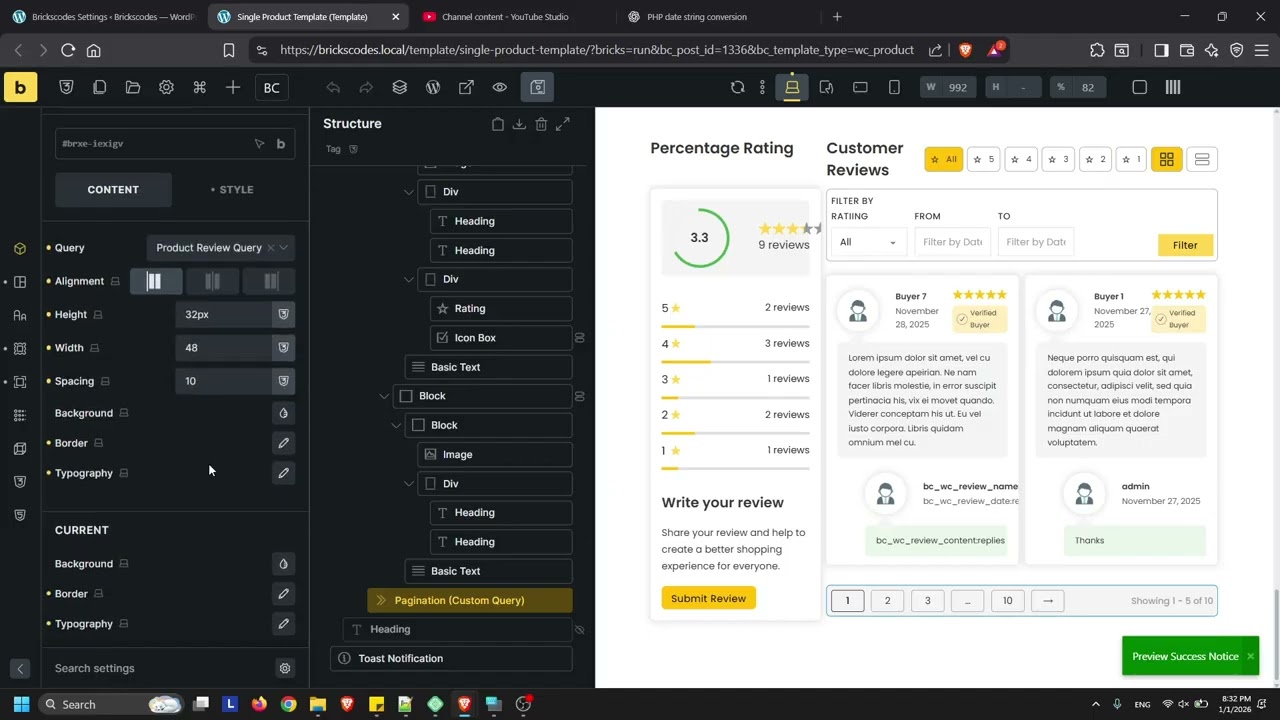
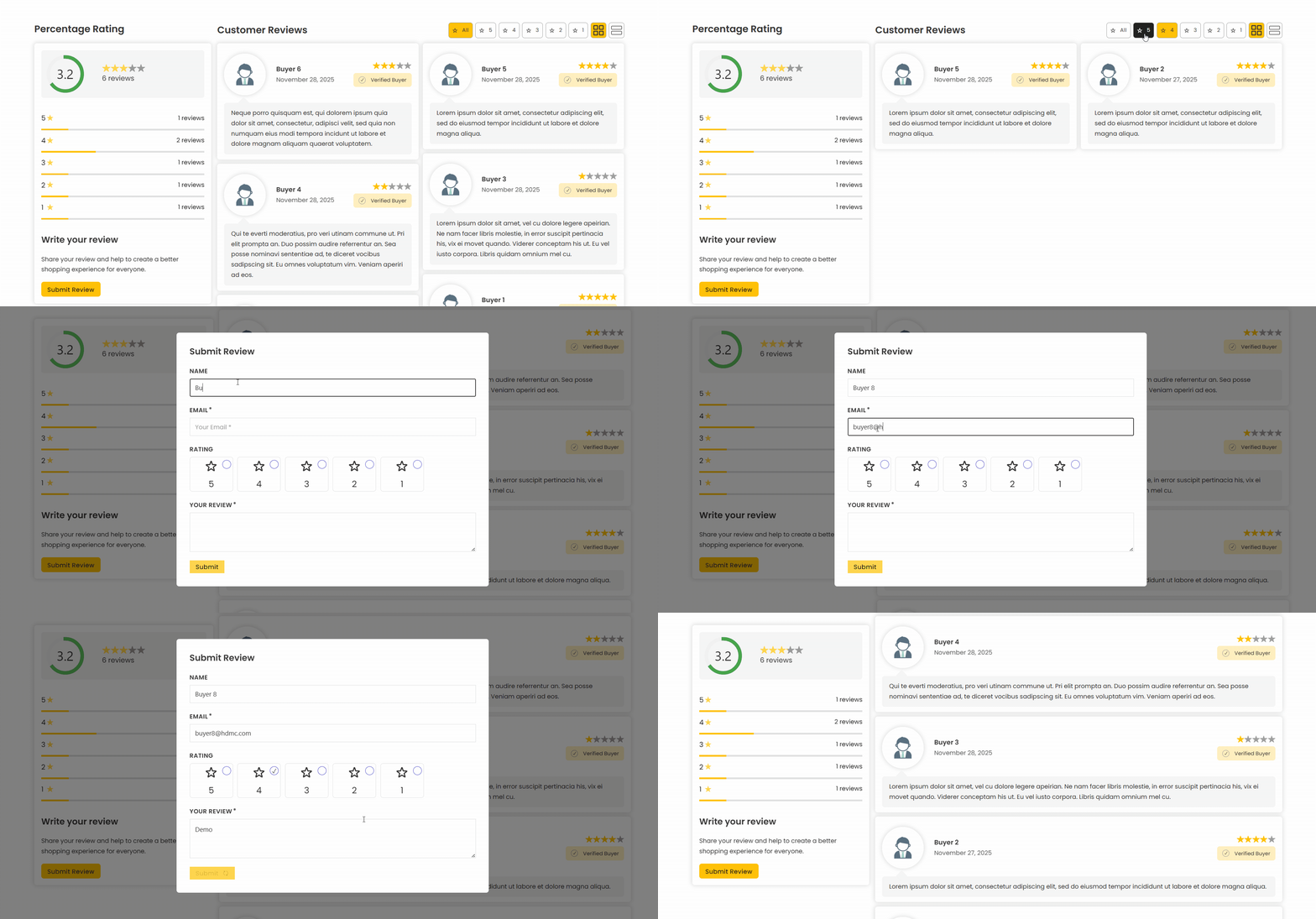
product-review

  • Custom Product Reviews Query
  • New Form Action - Product Review
  • 13 new dynamic tags for product reviews.
2 Likes

Brickscodes v1.0.2 - Fixed issue and some new features below:

mini-cart
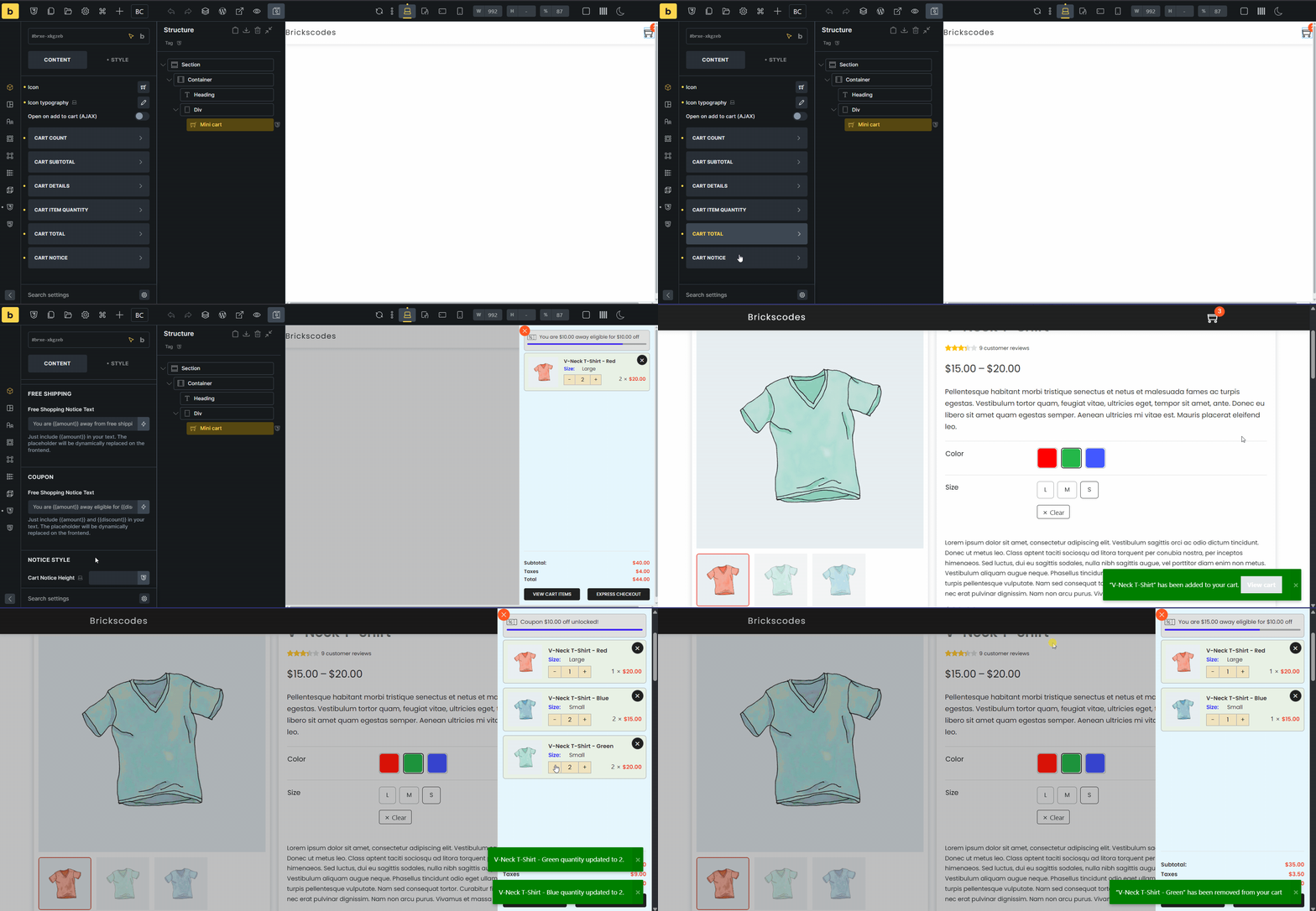
Native Mini Cart - Product quantity input, Ajax update mini cart, disable view cart button, change View Cart & Checkout buttons text, Empty Cart button, option to display: total saved, total taxes, total shipping + taxes, total price, show promotional notices (e.g., free shipping, eligible coupons.)

product-wishlist-2

Favourites/Wishlist Query Loop - Support all post types, with full guest and logged-in user support. Add a favorites button inside post loops to let users save or remove items from their favorites list.

product-reviews

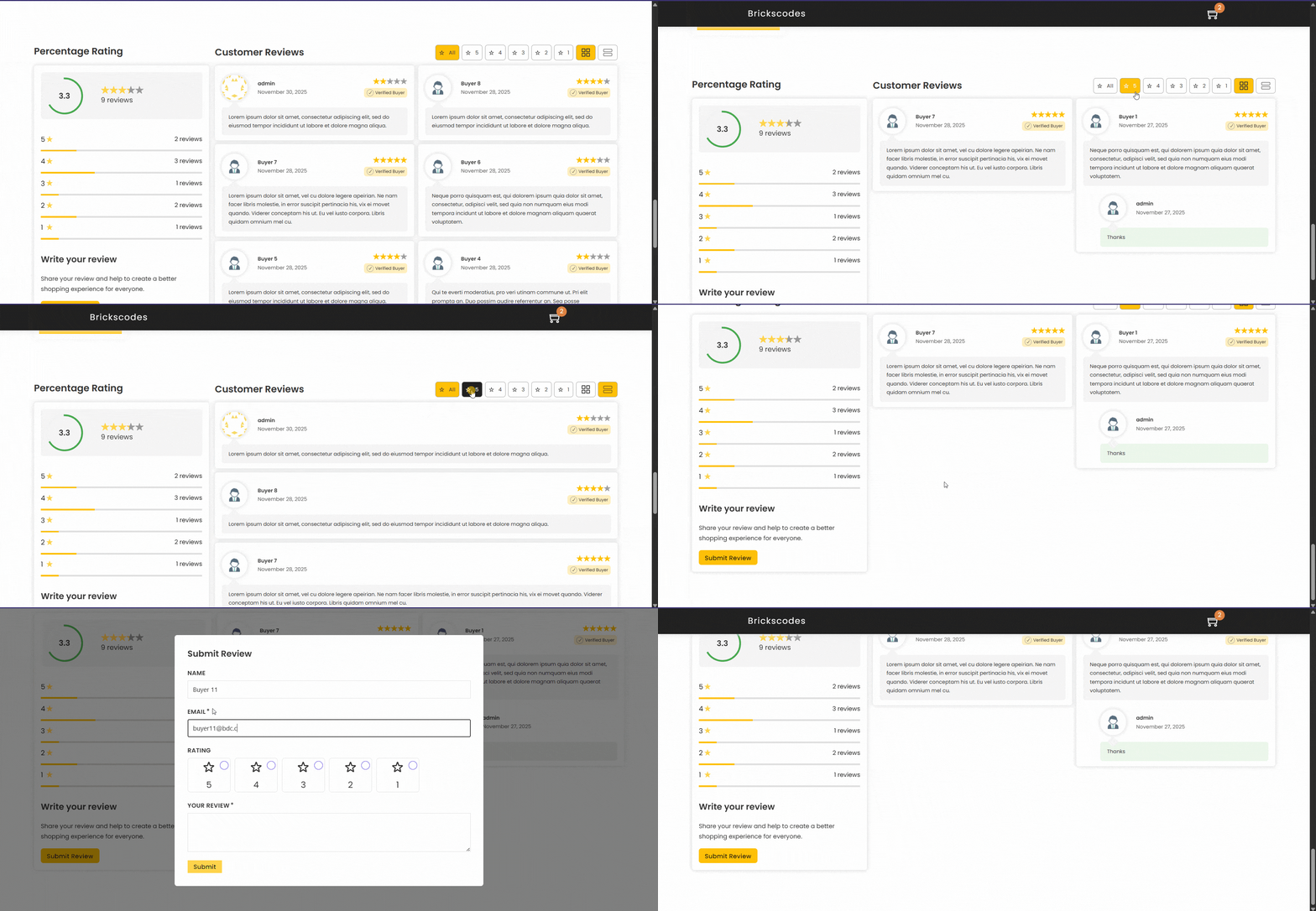
Product Reviews - Designed for single product pages. A demo template with minimal styling is included in the Brickscodes remote templates. New Dynamic Tags and Form Action added for Product Reviews.

variation-swatch-

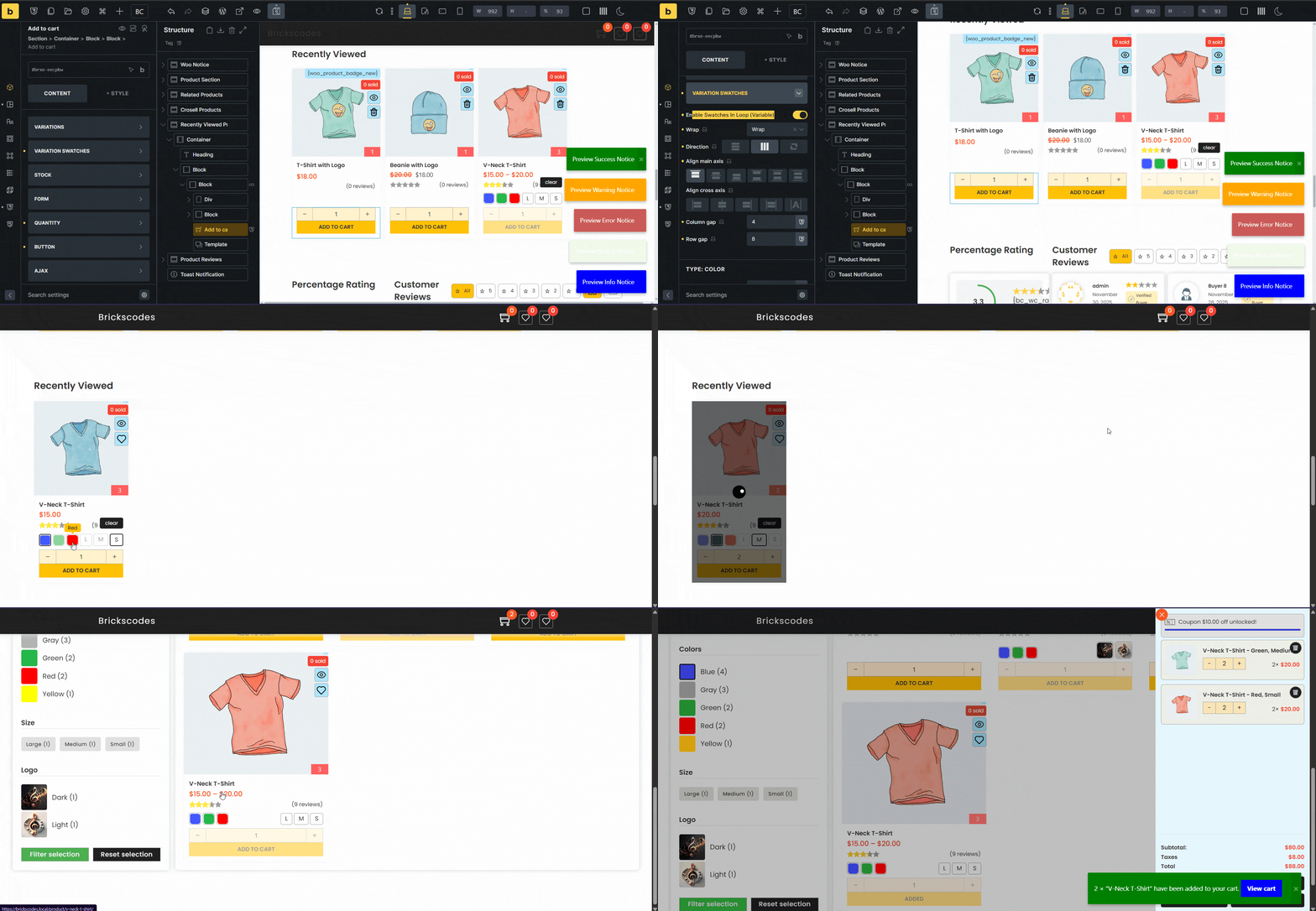
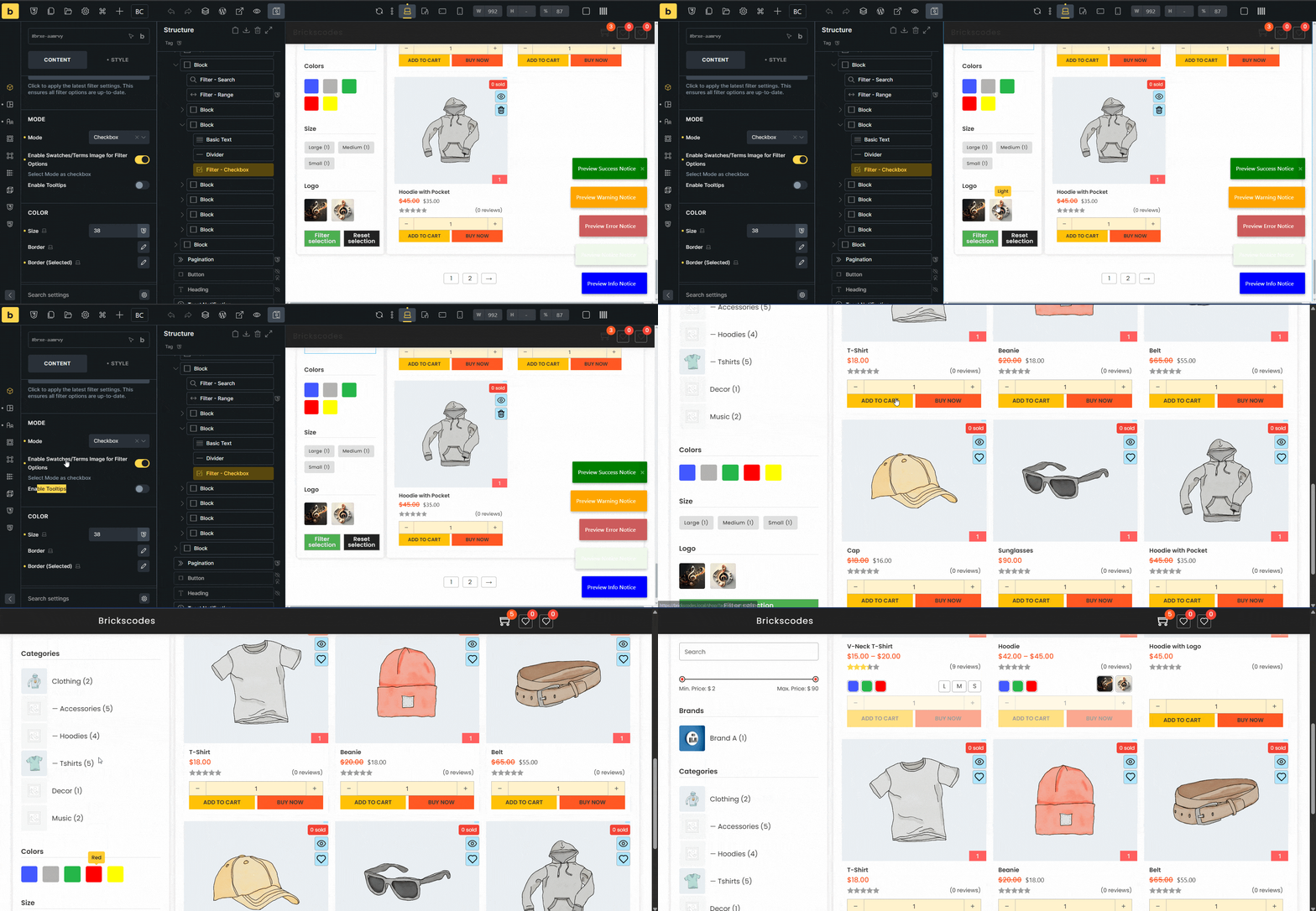
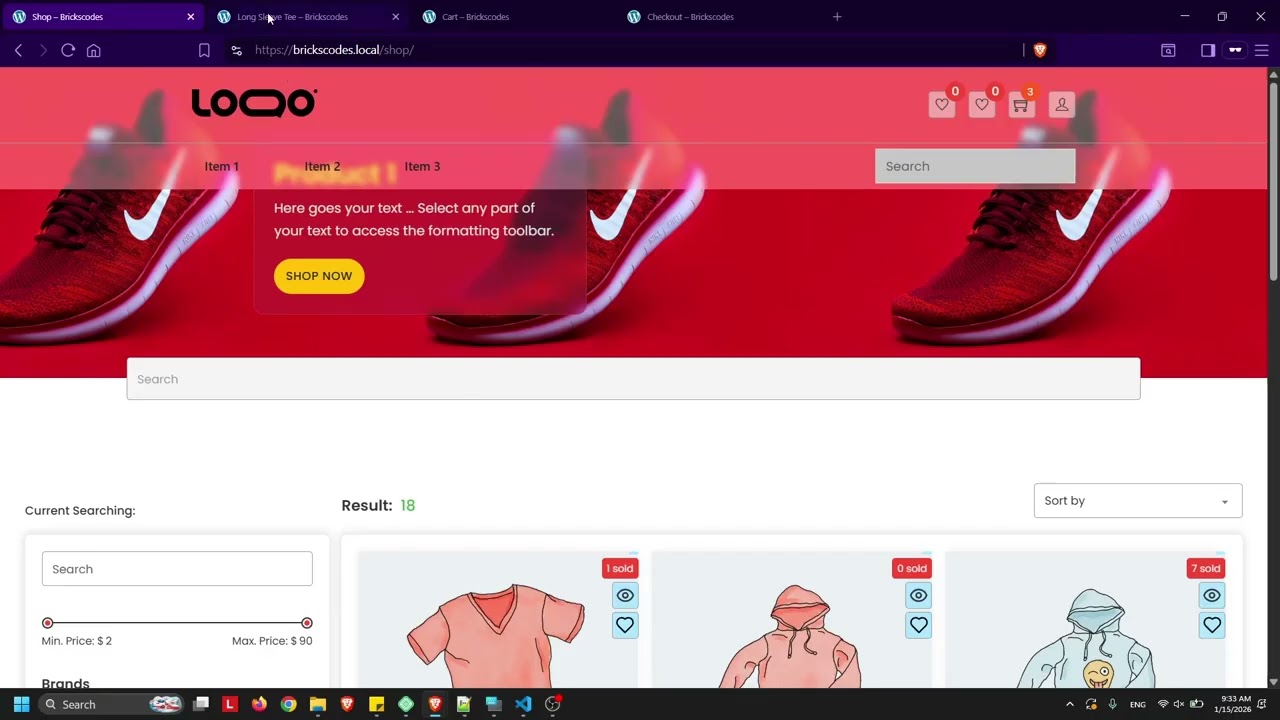
Native Bricks Add to Cart element with variation swatches now works seamlessly across the Builder, Query Loop, shop/archive pages, Bricks AJAX filtering, pagination, load more, infinite scroll, and static live search. It automatically switches to the correct variation image and price, with real-time variation validation. If no matching variation is found, the Add to Cart button is disabled instantly.

One of Brickscodes’ feature is that all custom or enhanced Bricks elements remain fully available inside the Builder, allowing you to style everything easily without switching back and forth between the frontend and the Builder.

This will be released in version 1.0.3, along with several bug fixes. One more thing, native Filter checkbox element will support Bricks swatch type and easily display the attribute meta value as swatch.

Great to see Bricks adding more features in the 2.2 beta — it’s finally time to deprecate and remove the core framework integration.

1 Like

Brickscodes v1.0.3

add-to-cart
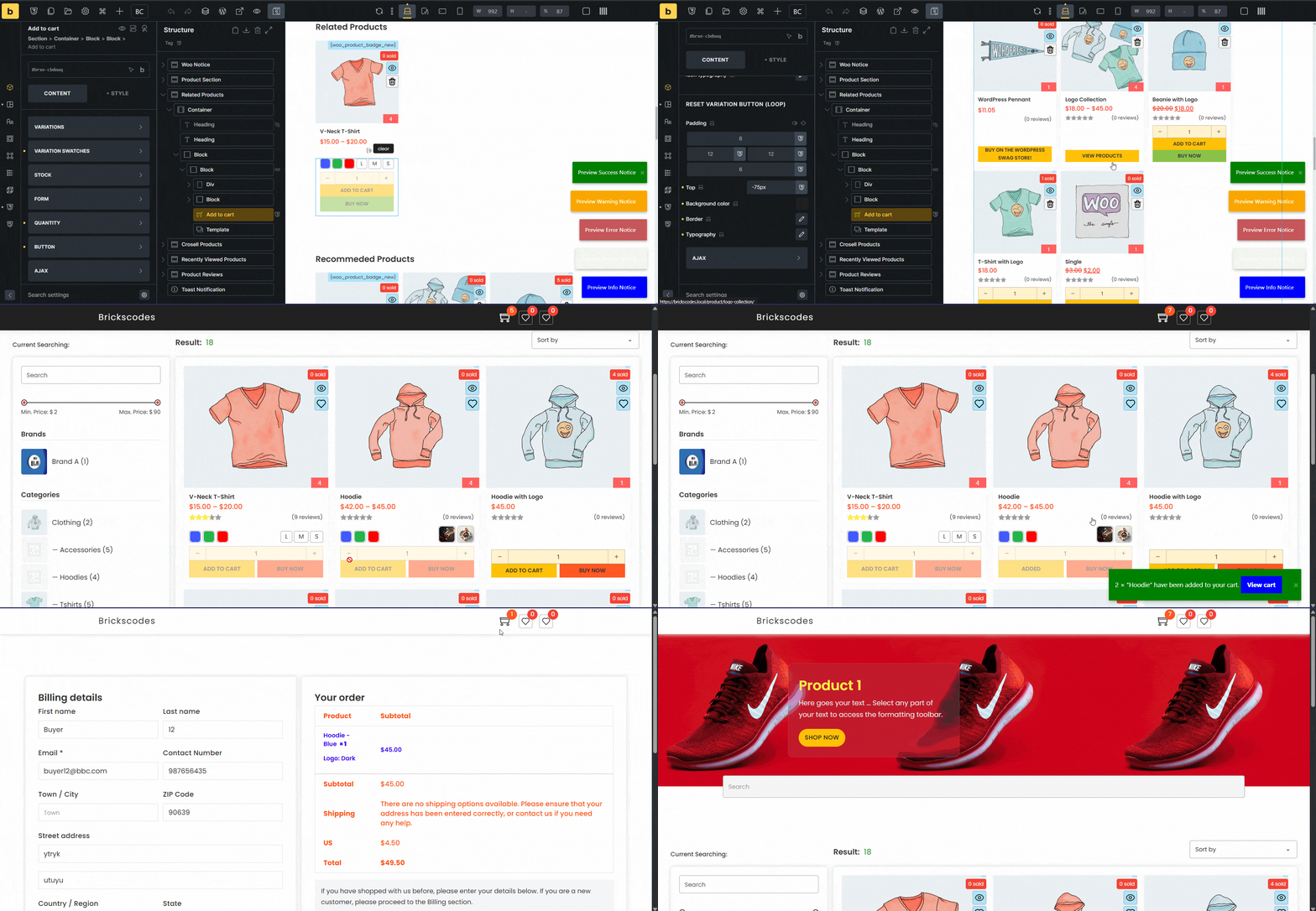
Native Add to Cart - Variable Product in Query Loop. Buy Now Button.

filter-checkbox

Native Filter Checkbox - Display Taxonomy/Terms Image, Bricks Swatch Type (Color/Image) as Checkbox Options

checkout-details

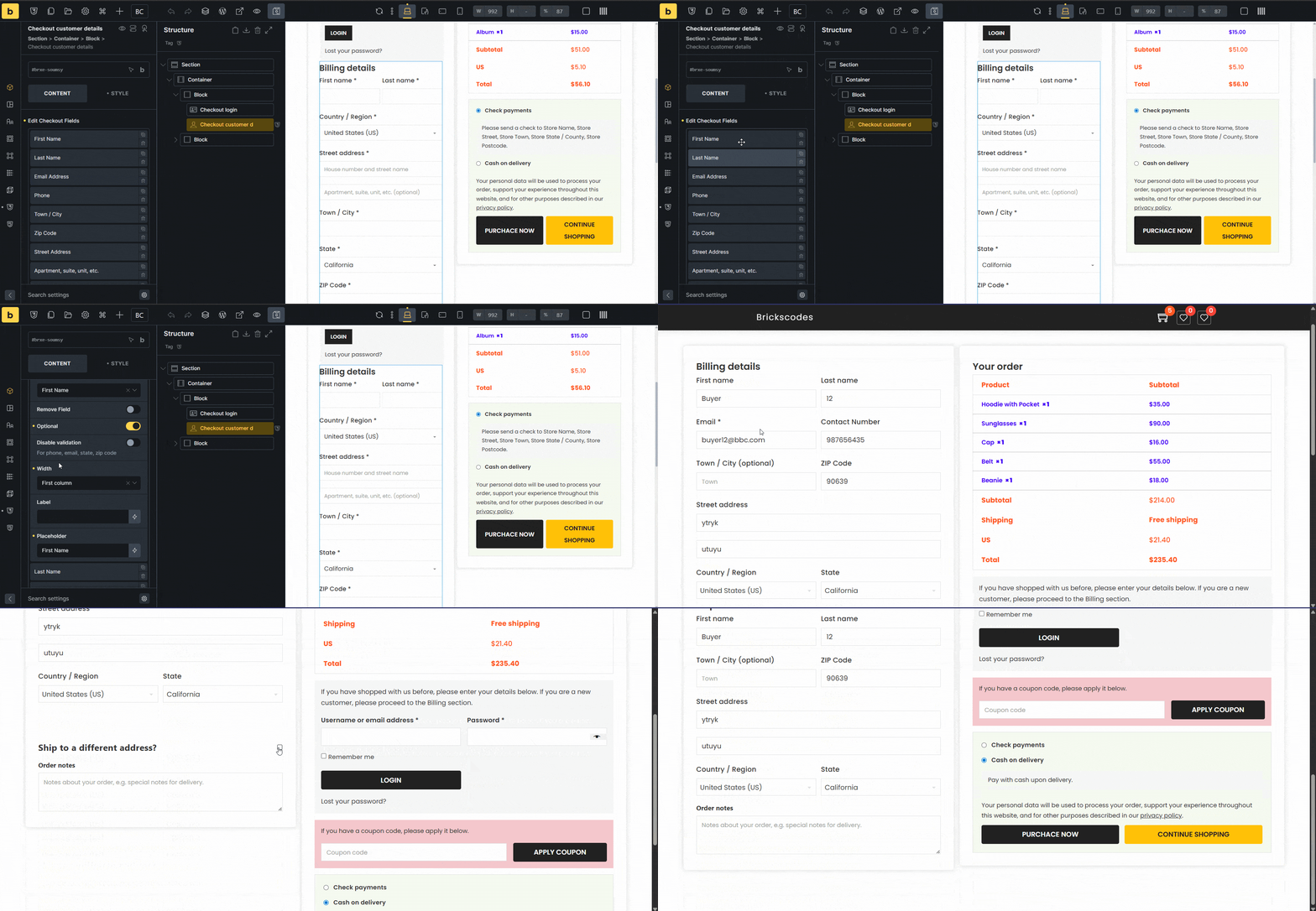
Native Customer Checkout Details - Reorder, remove, adjust field width/label/placeholder, set/unset required, disable validation, remove optional text.

checkout-order-review

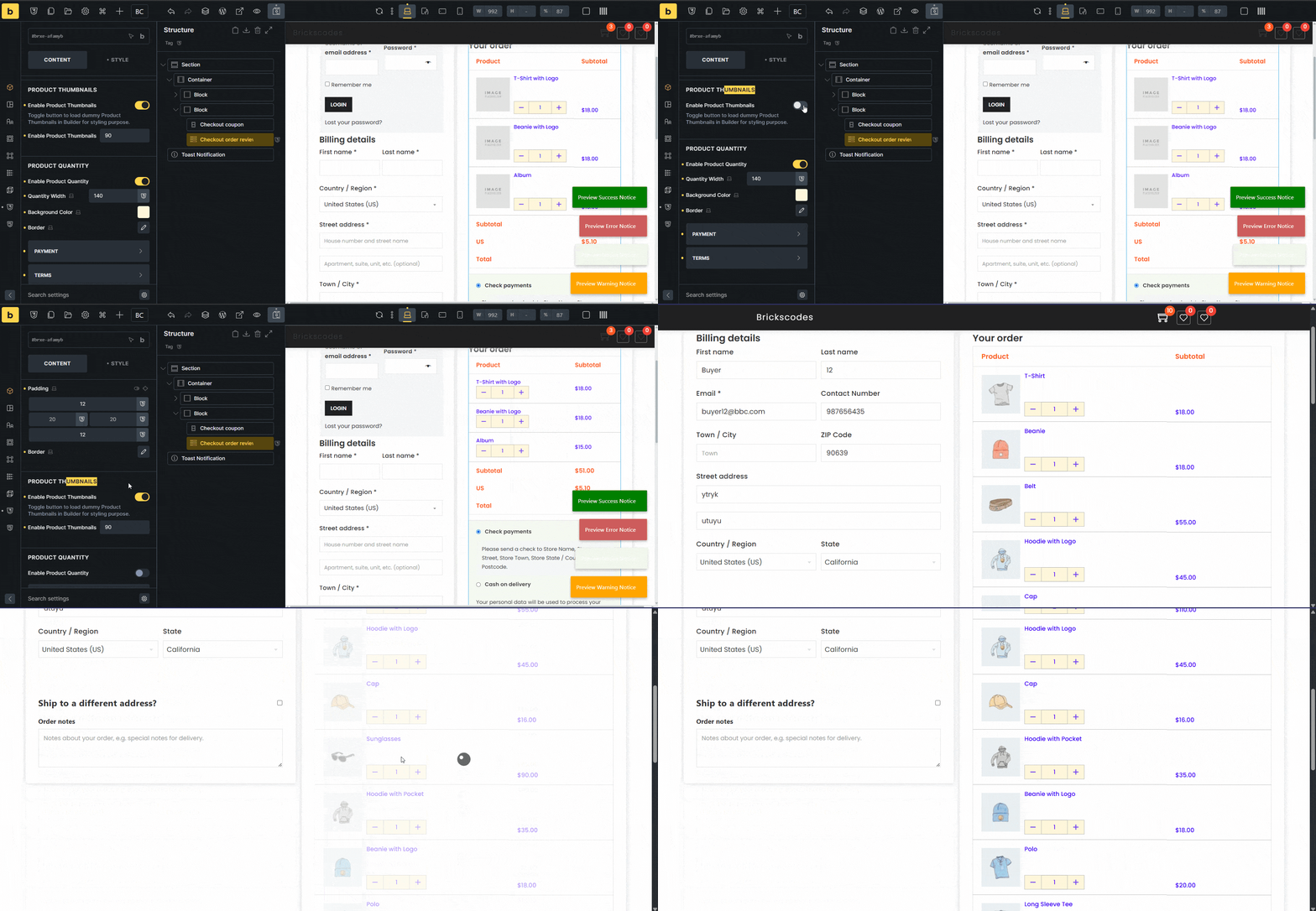
Native Customer Order Review - Product image, quantity input, optional continue shopping button.

1 Like

Brickscodes v1.0.4 https://www.youtube.com/@Brickscodes

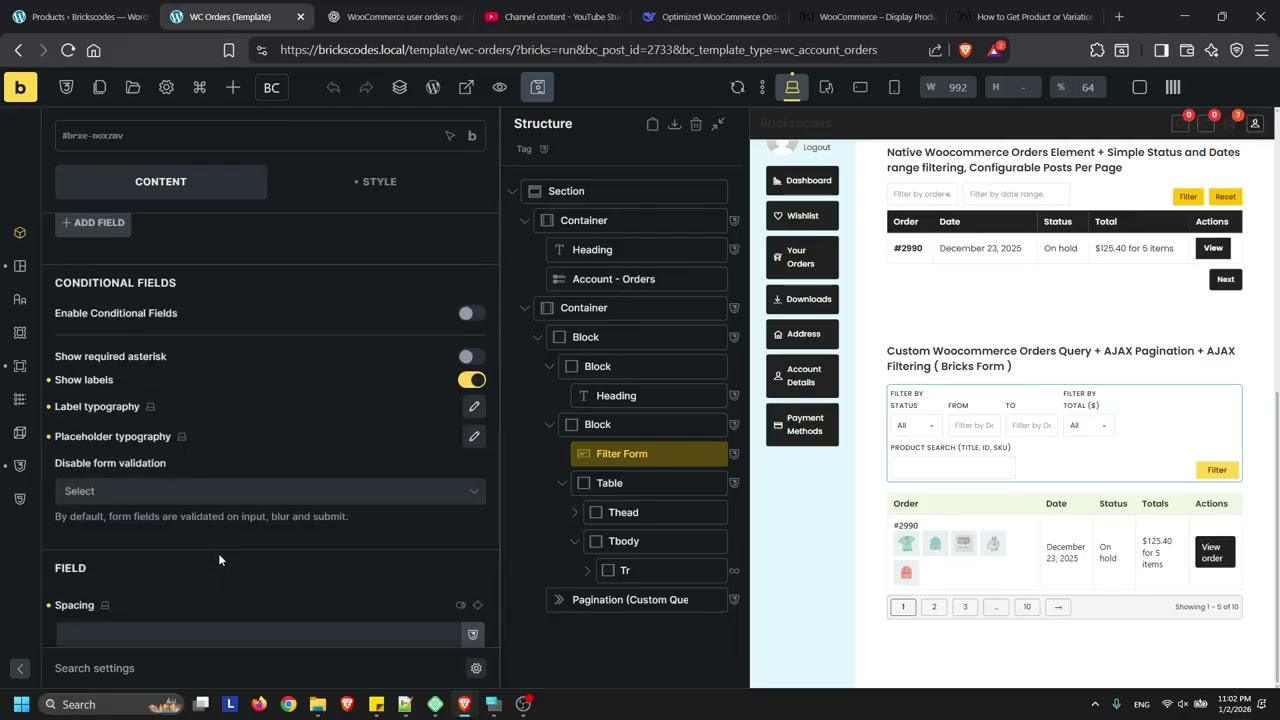
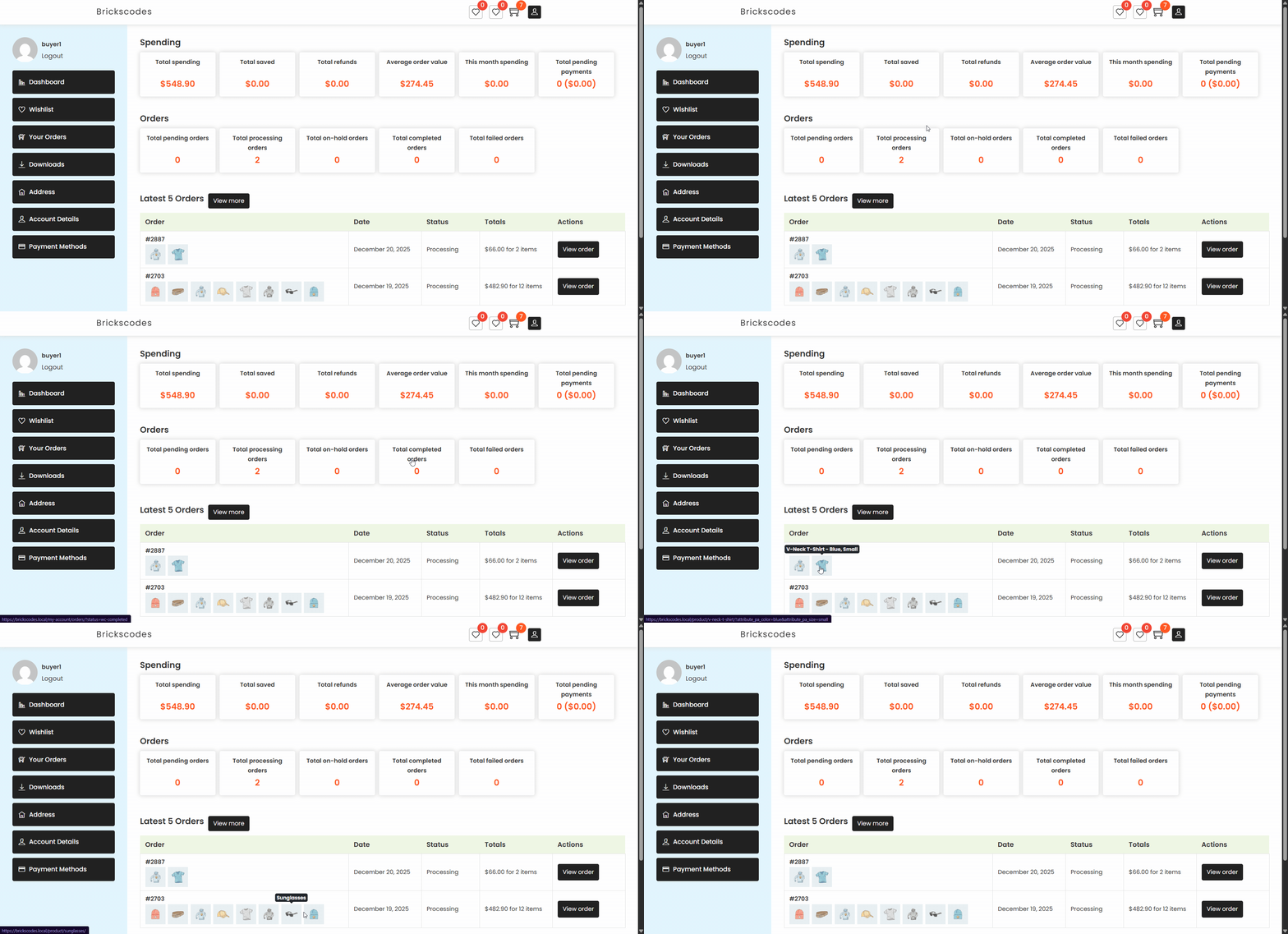
Build WooCommerce Dashboard with new Dynamic Tags, Custom WooCommerce Orders Query Loop + AJAX Pagination + AJAX Filtering, Product Reviews Custom Query now support AJAX Pagination + AJAX Filtering.

wc-dashboard

Get it free now

2 Likes

Brickscodes V1.0.5

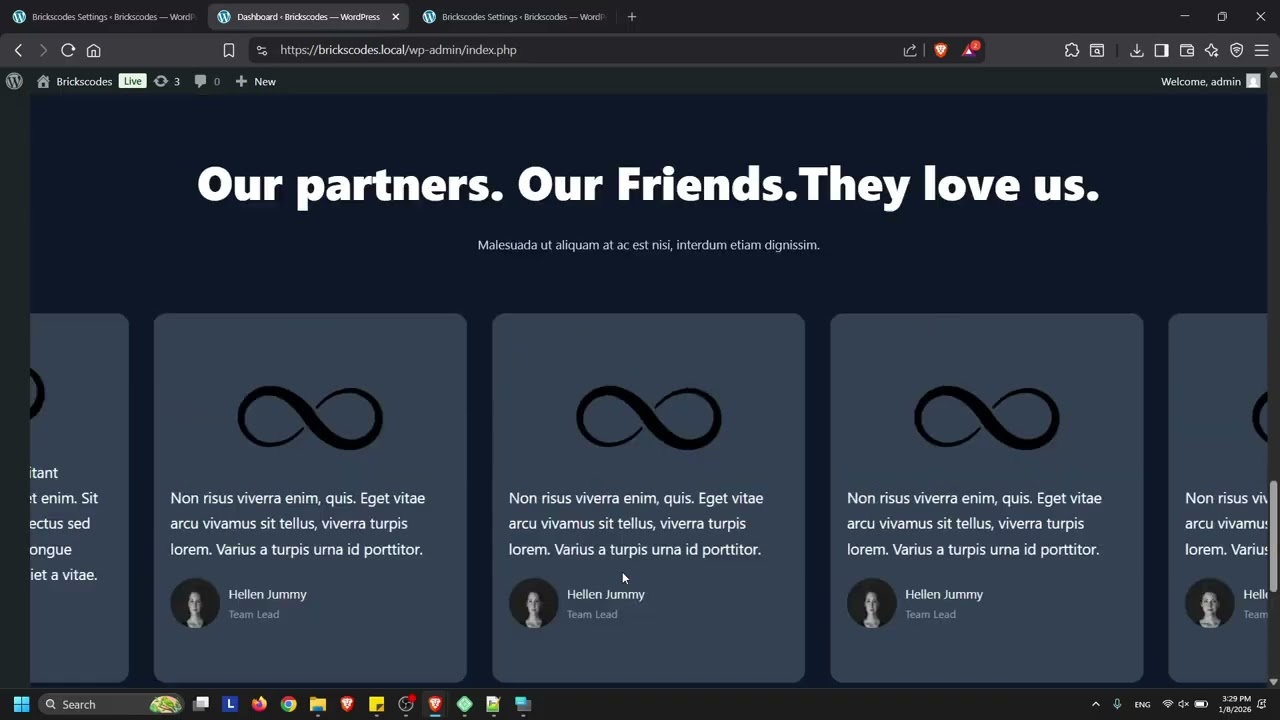
Replace the WordPress Dashboard with a Bricks Section Template — no iframe and no manual copying of CSS or JS. Simply select the user roles and template, and you’re done. Bricks elements such as Forms, Sliders, Lightboxes, and more will work directly in the Dashboard.

Custom Woocommerce Coupon Query Loop. A demo template is included in Brickscodes Offline Remote Templates.

A new control has been added to disable the sticky header by breakpoint under Templates → Page Settings → Brickscodes. ( No JS ). A demo template is included in Brickscodes Offline Remote Templates.