Hi there,
Working on a WooCommerce template and ran into this issue while using the Breadcrumbs element, basically on smaller screens or when the container width is no longer wide enough to contain the Breadcrumb content, the navigation items start to break the text line (See image below)
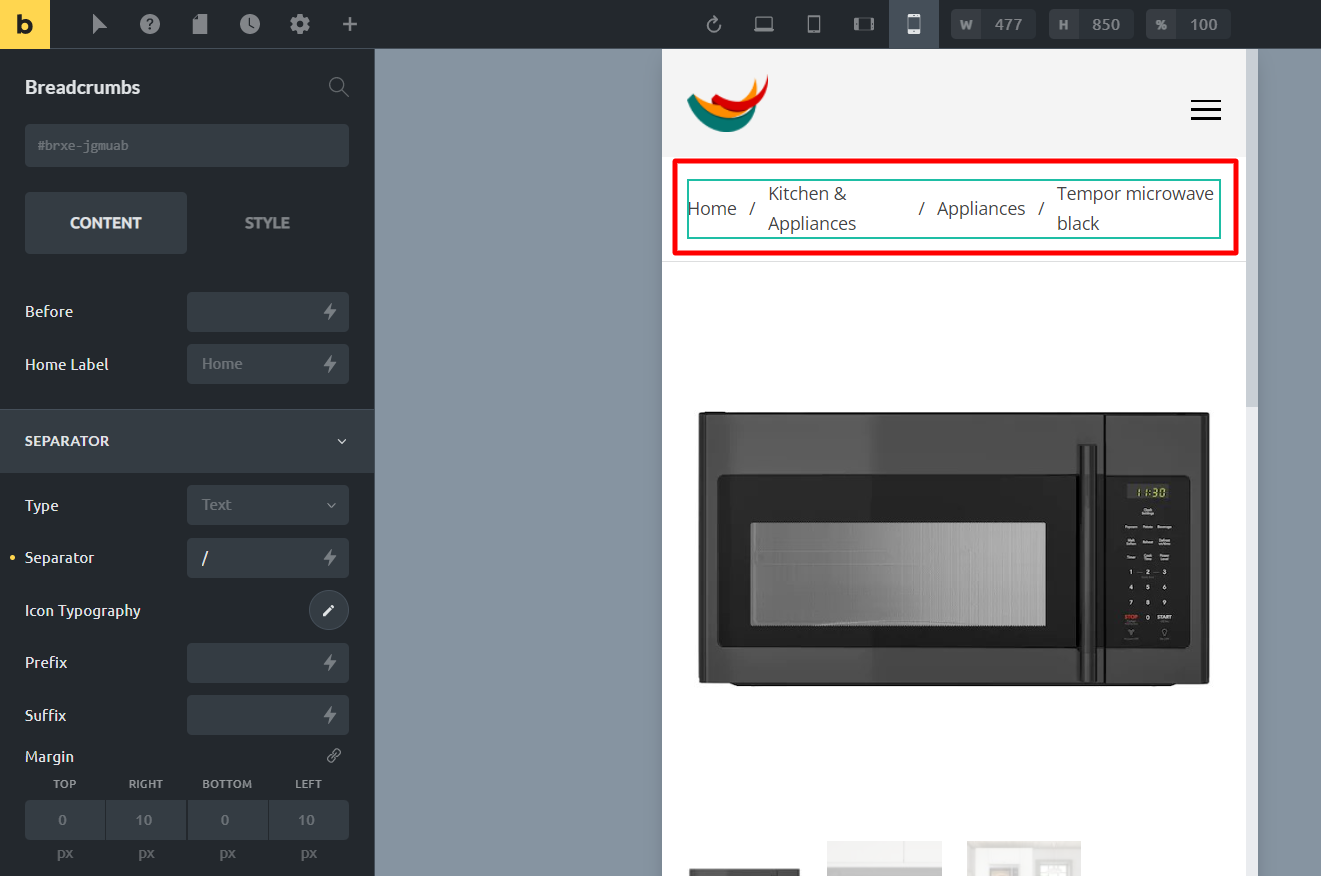
The fix is rather simple, something like this does the job:
.brxe-woocommerce-breadcrumbs .navigation {
flex-wrap: wrap;
}
But I do believe this should be a native option, especially for the users with limited CSS knowledge.
Thanks!
