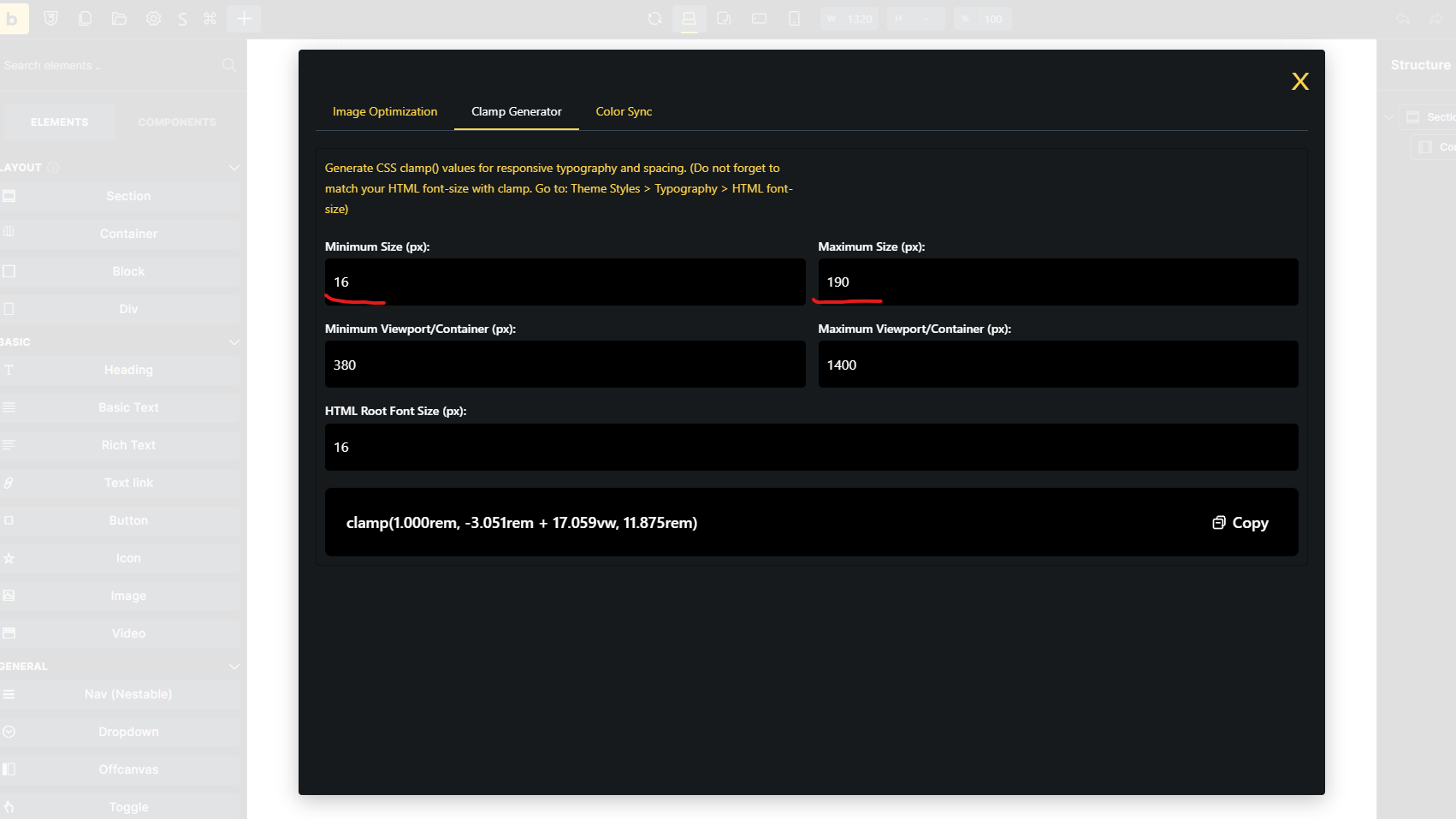
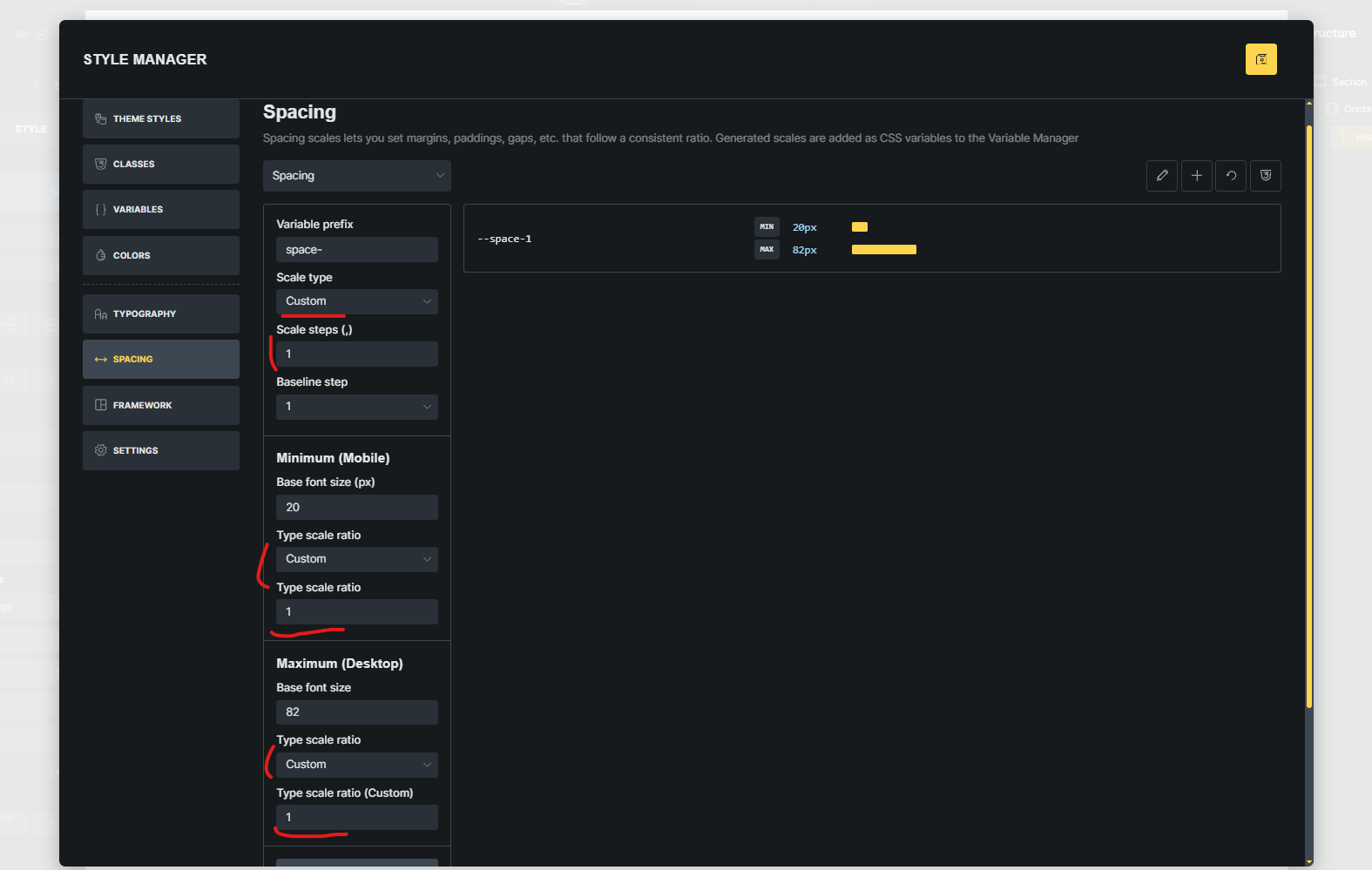
The new fluid typography generator is great but there is no control over the min and max font sizes generated for each scale step (e.g. --text-s). This can be an issue especially at steps below the baseline where font sizes can become difficult to read on small devices.
For example, the generated variable for step text-xs might be: clamp(0.9rem, calc(0.004971319311663479 * (100vw - 32rem) + 0.9rem), 1.42rem)
0.9rem is too small to read easily for some people and I might want to set it to 1.3rem.
So a way is needed to set/override the min and max pixel values for a step so Bricks uses these to calculate the clamp function.
This could be done easily once you have defined the scale type with Bricks displaying for each step min and max pixel fields. You could then leave them blank for a step so they are calculated via the scaling ratio or enter values in which case Bricks uses them to generate just the calc function part of the clamp function.
The main 3rd party css frameworks allow you to do this.
With the update to the fluid typography generator in v2.2 which shows you the min and max values generated for each level of the scale, it would be really easy to allow manual override those values.
For example if the min and max for –text-xs are generated as 7px and 10px and thus too small and you have perfect values at the other scale levels, rather than editing the generated variable value, it would be much better to change the calculated min and max values before the variables are generated. If the same value is put in for the min and max, no clamp function would be generated, rather a fixed value output for the variable.