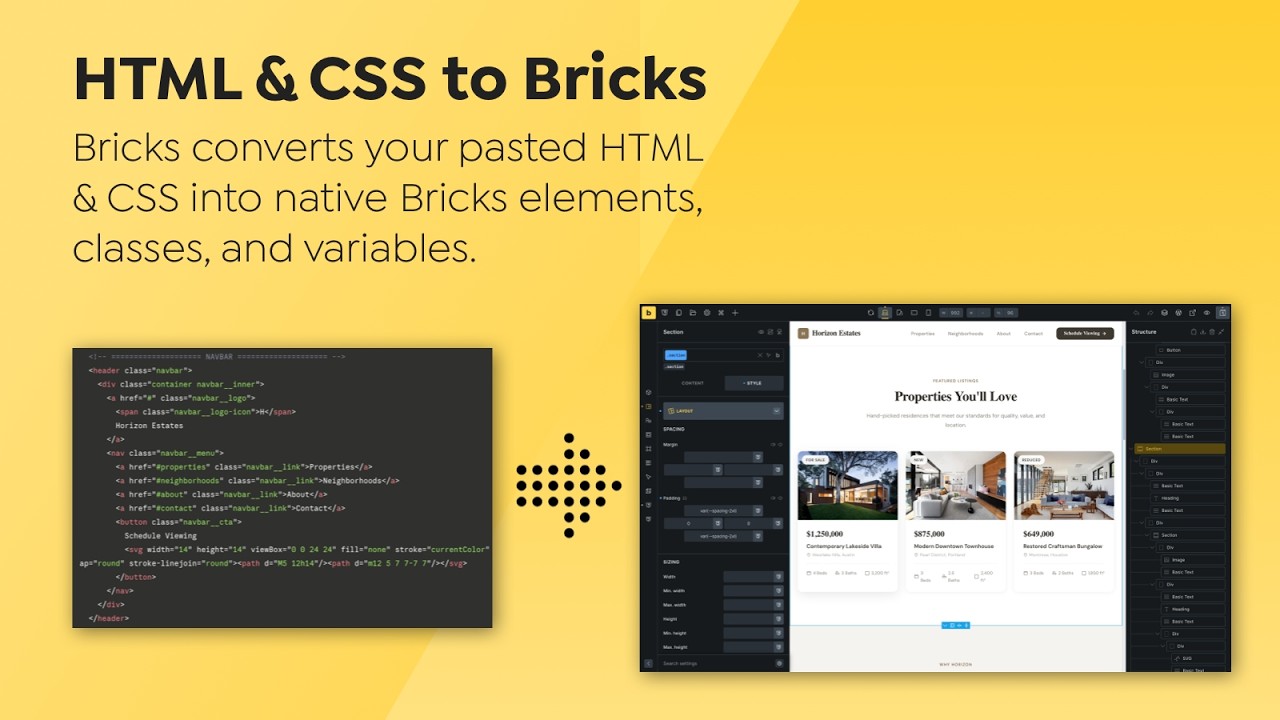
I really love the feature you added. However, I might have missed something. People often use websites like https://uiverse.io/ and https://codepen.io/ to copy elements, but there isn’t an easy way to copy and paste the code to convert it. Perhaps you could add a button in the code widget to facilitate this process. Or maybe its not your intention for this.
Hi Daniel,
Unfortunately, I don’t quite understand what the suggested improvement is, since all you have to do is paste it - regardless if it’s HTML, CSS, JS, or all in one
The idea behind the feature is to insert HTML, CSS, and JavaScript and convert it to Bricks elements/styles, whenever possible —and that’s exactly what’s possible by just pasting it without any additional steps in between.
In addition to the video and the release notes, there is an Academy article:
Sorry, but I still don’t understand exactly what your specific suggestion for improvement is.
If I want to take an element from one of these sites, I need to open a word editor, paste the code, and then copy and paste it into Bricks for it to work. My improvement was to eliminate the middle step of pasting it into a word editor before copying it to Bricks. Initially, I thought this feature was intended for copying fully developed CSS, JavaScript like buttons, and etc.. and transform it to bricks elements. Some of the cool features on websites like CodePen require using a JavaScript library, so it would be even better if there were an easy way to implement them. I’m considering all the features from the perspective of someone new to coding. I believe it would be a smart move to simplify the implementation of elements from these sites because Bricks is still a relatively new product and doesn’t have as many elements as Elementor, for example. Integrating elements from a vast library like these websites and allowing easy implementation in Bricks natively, so we can edit them without code, would greatly benefit Bricks.