I love the addition of the color and typography settings.
However the theme style editor is not great. For those that would want to use this, you would want be able to see what the settings are doing. For instance building buttons, you have no idea what your design looks like. Those who are more advanced will not use the theme style editor. In addition the settings are quite limited. There is no way to do hover styles on a button.
Maybe a better way to handle this would be to expose the bricks classes that affects the default elements in the main interface, and you have a category for default elements. For example, buttons. I add a button to the canvas. I select .bricks-button in the default elements class list. I click on that, then I style my default button, and I create a hover style as normal. I continue to do that same for the outline version, etc. That way I can do anything I want!
I LOVE the idea another user mentioned of a JSON import and export of theme styles. If these were based on the default bricks classes, like I said above. it would be great fun to create theme styles.
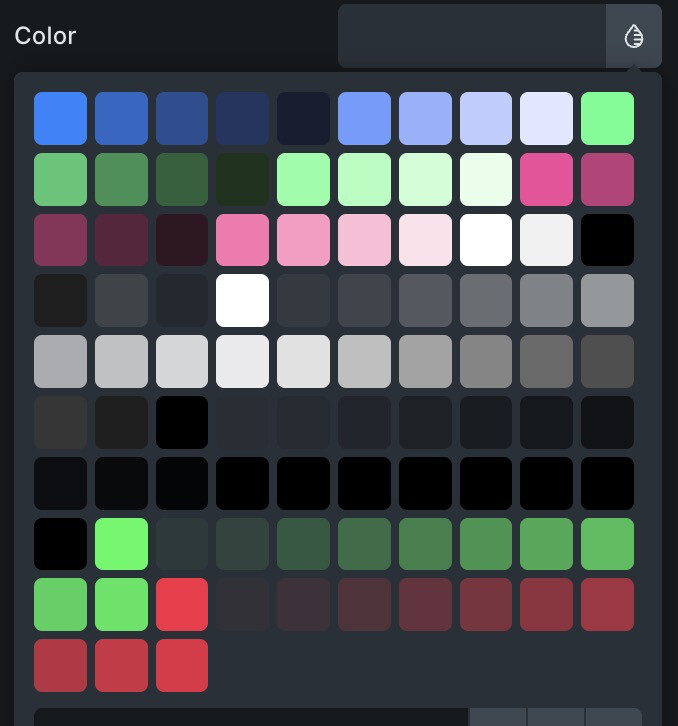
I want to mention a bug with Core Framework. I’d love to just use Bricks, but becuase of Brixies, I still need Core Framework. Right now the colors are a mess in the color picker with Core installed. The colors you see below are not accurate and not the ones set by Core. When you try to use the Core color interface, it doesn’t add the variable when you click. I realize that also may abe a problem on their end, but it’s still a problem.
In closing, thank you for your tireless work! We appreciate all you do!