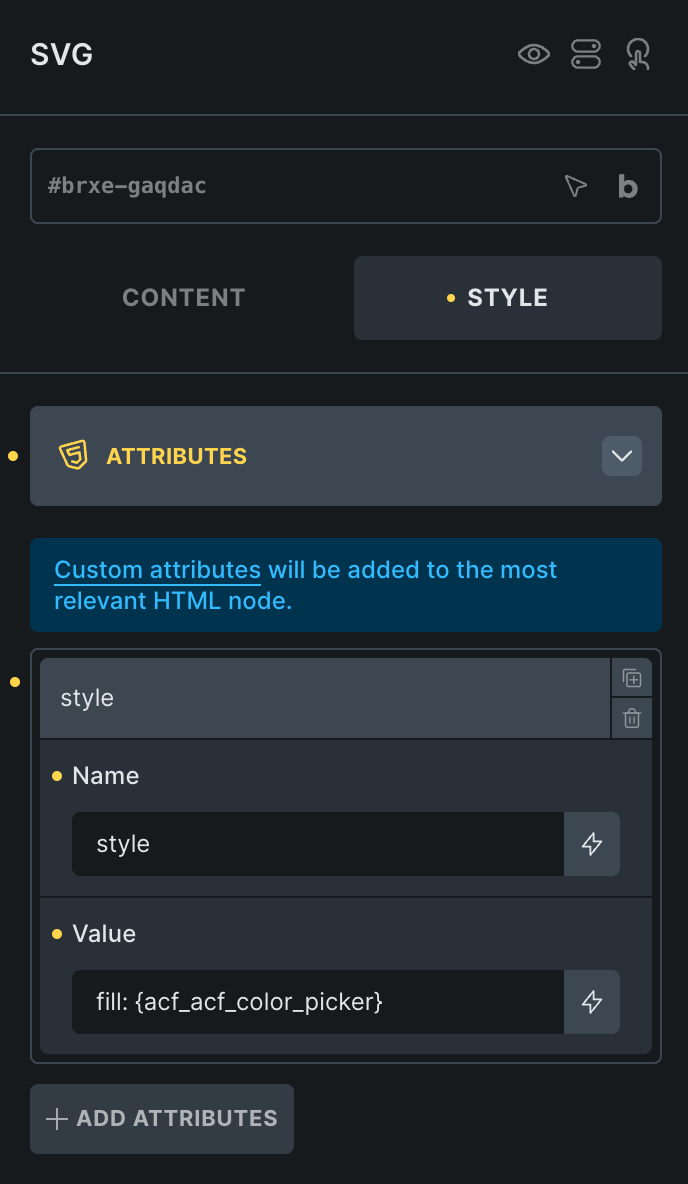
I have a ACF color picker field and it is set to output the hex code.
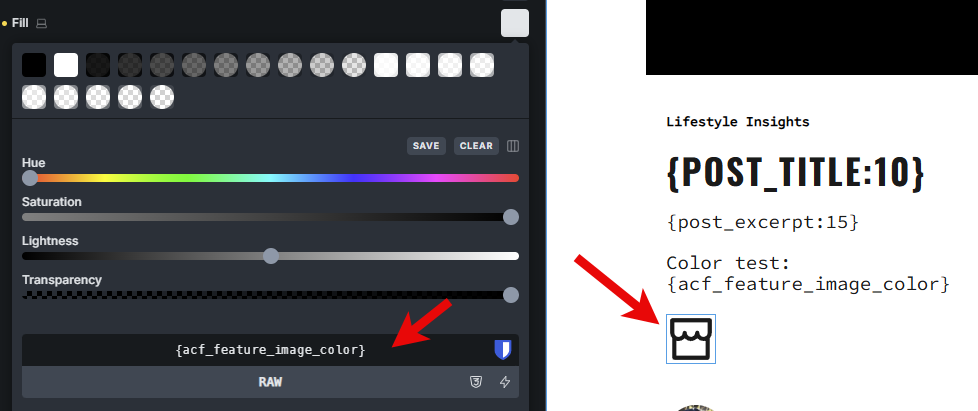
In Bricks I attach the color to the RAW field of a svg element fill color.
Nothing happens. No color is output.
I have the latest versions of plugins as of this post.
I would take screenshots but unfortunetly the project moved on and I don’t want to go back and try to break things to get a screenshot. I just wonder if I can even use an ACF dynamic data for color picker in the svg fill color RAW field at all.
In 9/10 cases, problems with SVGs are caused by the SVG itself, because, for example, they already have a fill attribute that cannot be overwritten. Try using a different SVG, such as one of these, and compare the SVG source code with yours:
I use icons with color from acf colorpicker inside a post loop. Svg’s do have some issues.
Make sure you can output the #hex color inside a text field just to see if the data is there.
If so, it should be able to color the svg if it is just a 2 layer image. Some svg’s consists of many pieces and will be a problem.
Font awesome icons should work out of the box. I upload the icons separate to save data from the entire font.
The colorcode should be in the dynamic data list and look something like {acf_my_color_picker} where my_color_picker is the acf field name
Do you insert them as an image or by the icon manager? (i use icon manager)
It’s not the icon’s fault, I can color the icon just fine within the settings, or use a CSS variable instead etc. It’s only the ACF dynamic field.
I also know the ACF field works because I can output it elsewhere like say into a custom attribute and check it from the frontend and the attribute is there.
Here I’m outputting the acf field into a basic text element:
Sure. For media library icons, it doesn’t color through text color. It needs to set fill for all the svg sub elements. Like Bricks does it, with this kind of CSS:
PS, the reason I have a variable here is because my workaround is to set the ACF color into a custom style attribute that sets the variable, which I can then use for the fill as custom RAW color. But I’d still like to know why the ACF field doesn’t work directly.
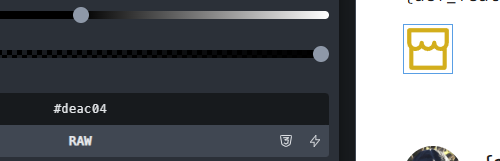
Here’s how mine SVG looks with color by ACF field. Probably useless, but maybe there’s something.
I set all SVG colors by text color, that’s why a single layer SVG is important for me.
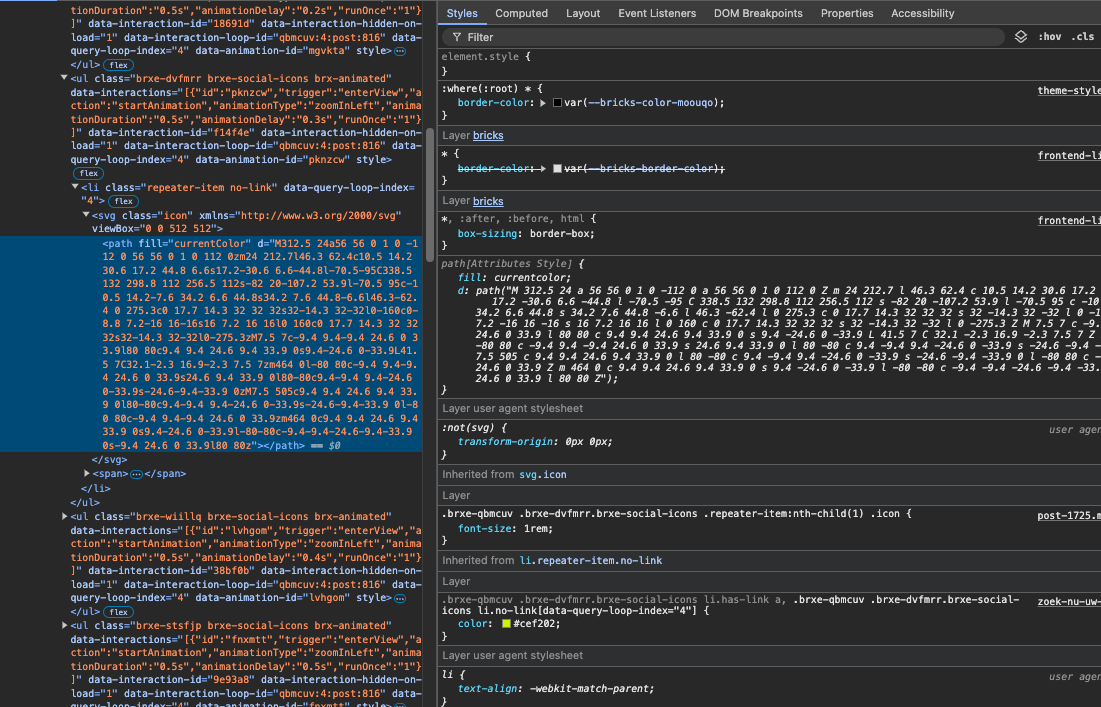
The yellow ish color is the icon’s color. The path is the SVG as uploaded to the icon manager.
Need to be a single path icon. I tested 3 paths with the same color, but it will not color any of them and only form a border outside the path and not use the border of the path.
You can color the svg beforehand. That will show, but will not color by setting.
That’s why I changed the thread title to WIP = work in progress. I can’t say when the problem will be fixed, but we will let you know right here. However, you can use the workaround mentioned until then.
Hello everyone,
I can confirm that this feature is affected by a bug.
I’m having the same problem with METABOX.
In fact, while searching for a solution, I found this thread.
I hope it’s fixed soon.