Browser: Chrome 110
OS: Windows
URL: Link to a page that illustrates this issue
Video: Short screen recording that illustrates this issue (free tool: jam.dev)
Hi bricks team,
Although this is not a bug, I just chose the bug category because I’m sure you’ll check them. This is something that can be improved.
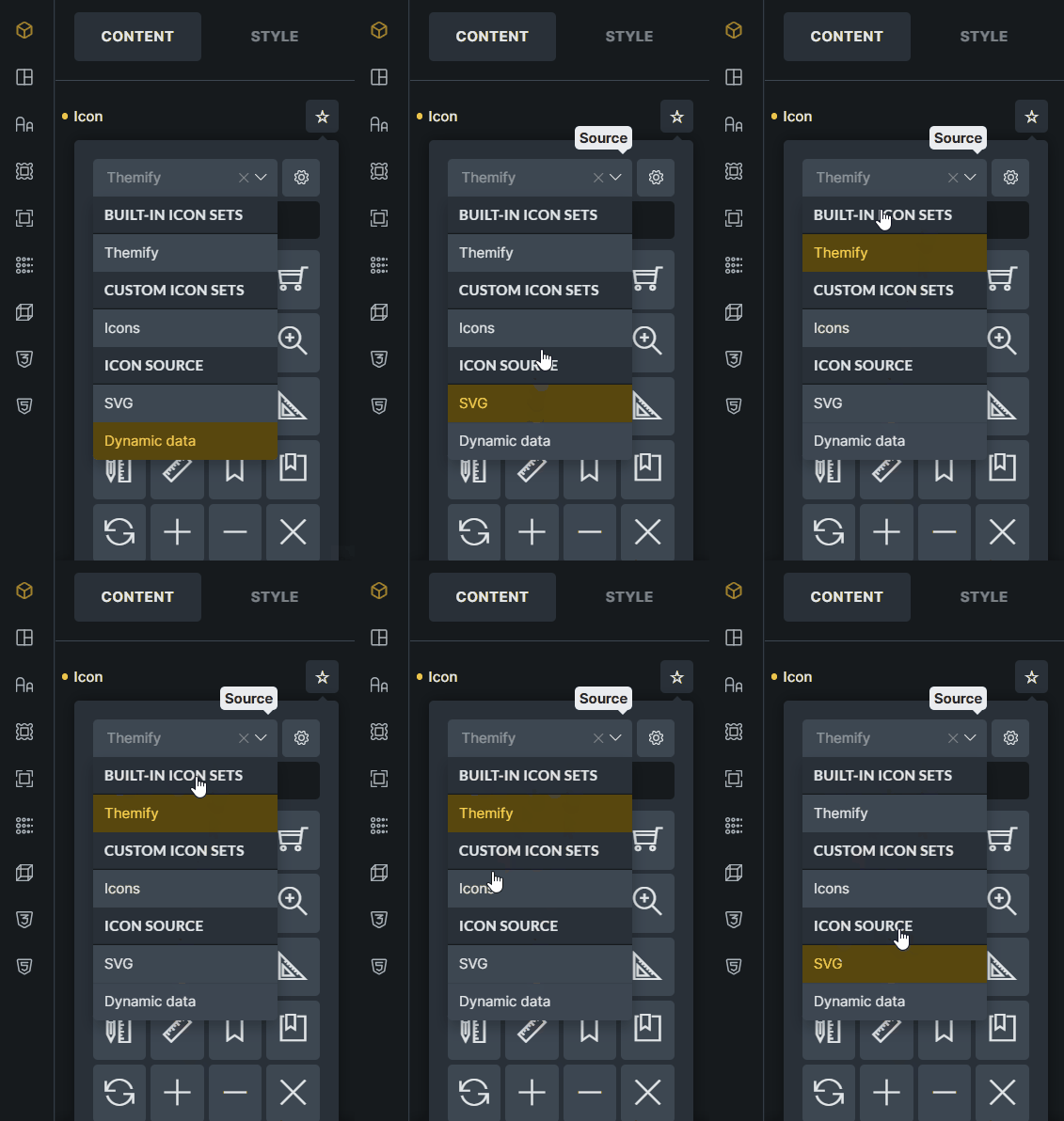
In the icon category list, all items are pointers, while only clickable items are expected to be pointers, not titles. For example, please see the gif below. It is better if the indicator in the Built-in icon sets, Custom icon sets and Icon source headings is normal. Right now it looks like everything is clickable.