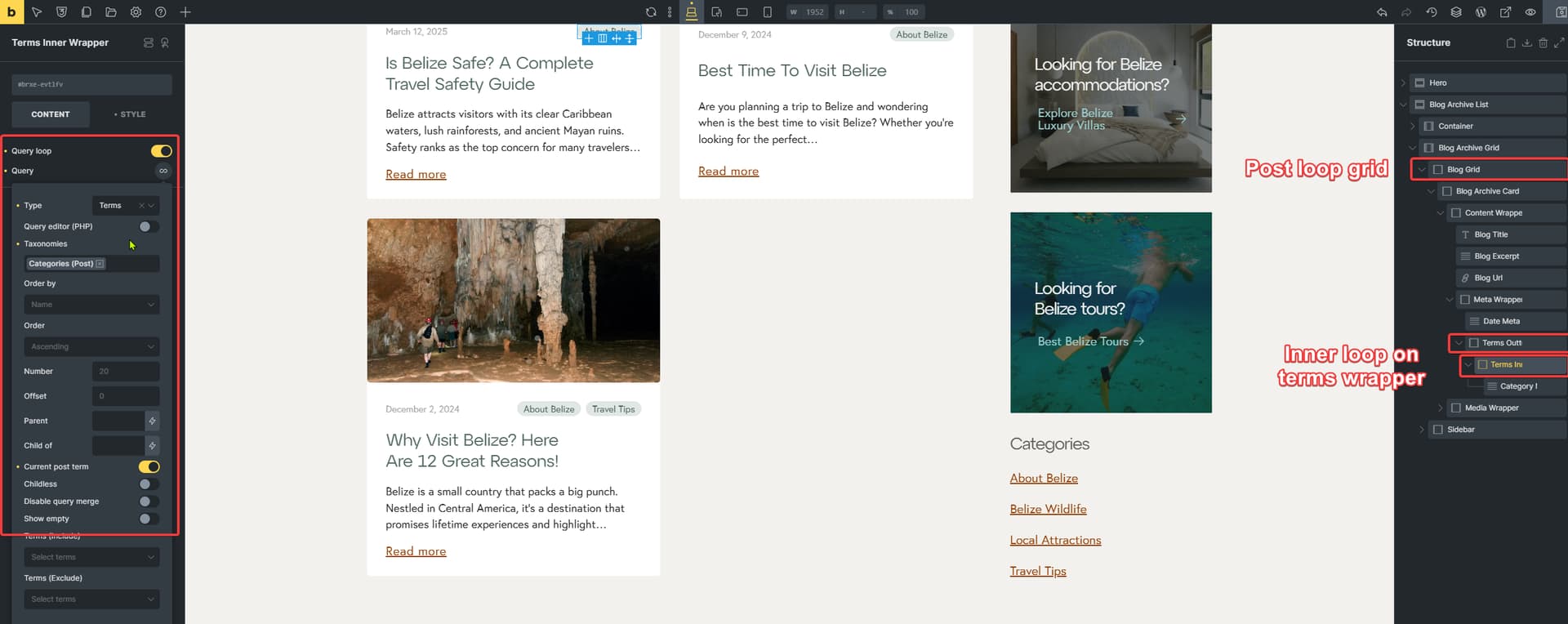
thank you for the email and access. I think the issue is with the way you style different categories.
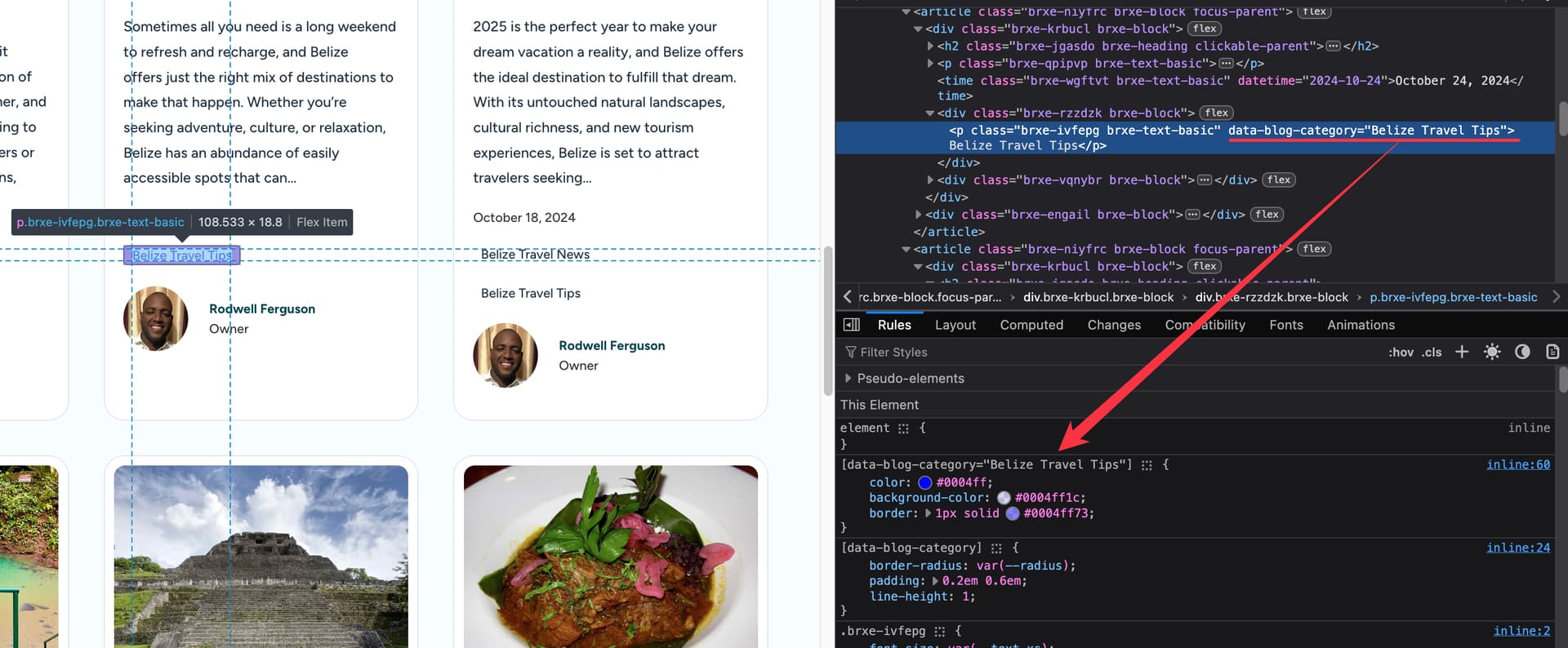
You style them with attributes. For example, the one where the styling works, it looks like this:
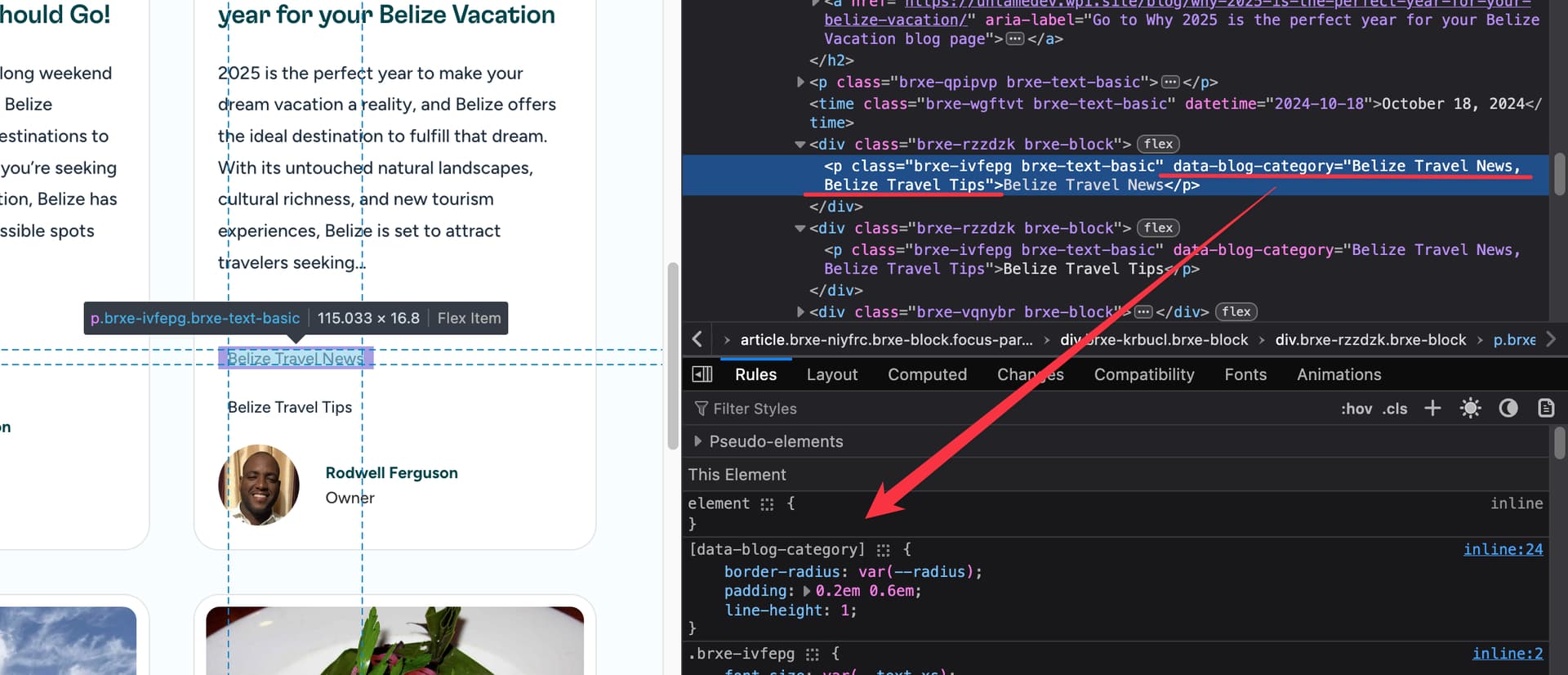
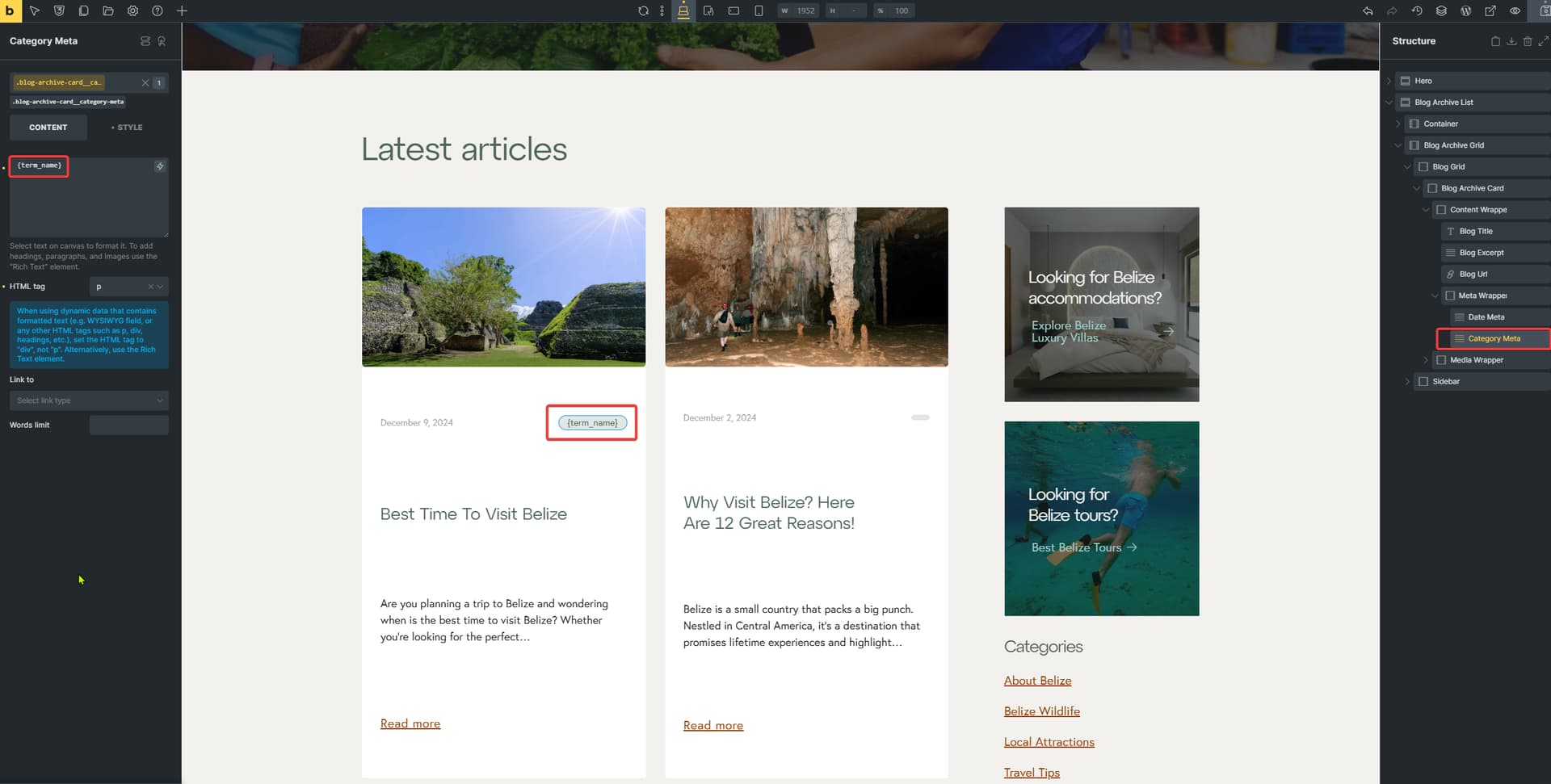
But if we check the one where it does not work, you can see that you have both categories inside. I suppose you are using wrond/different dynamic tag, and the correct one to use inside the attributes would be {term_name}, just like you use it for text.
Now, I would actually suggest changing this to {term_slug} or {term_id}, not relying on the name. Because the name can change, but you probably will not change the slug.
And even more importantly, if you have a category with special characters inside the name, it may break the HTML, so I strongly recommend one of the other two options
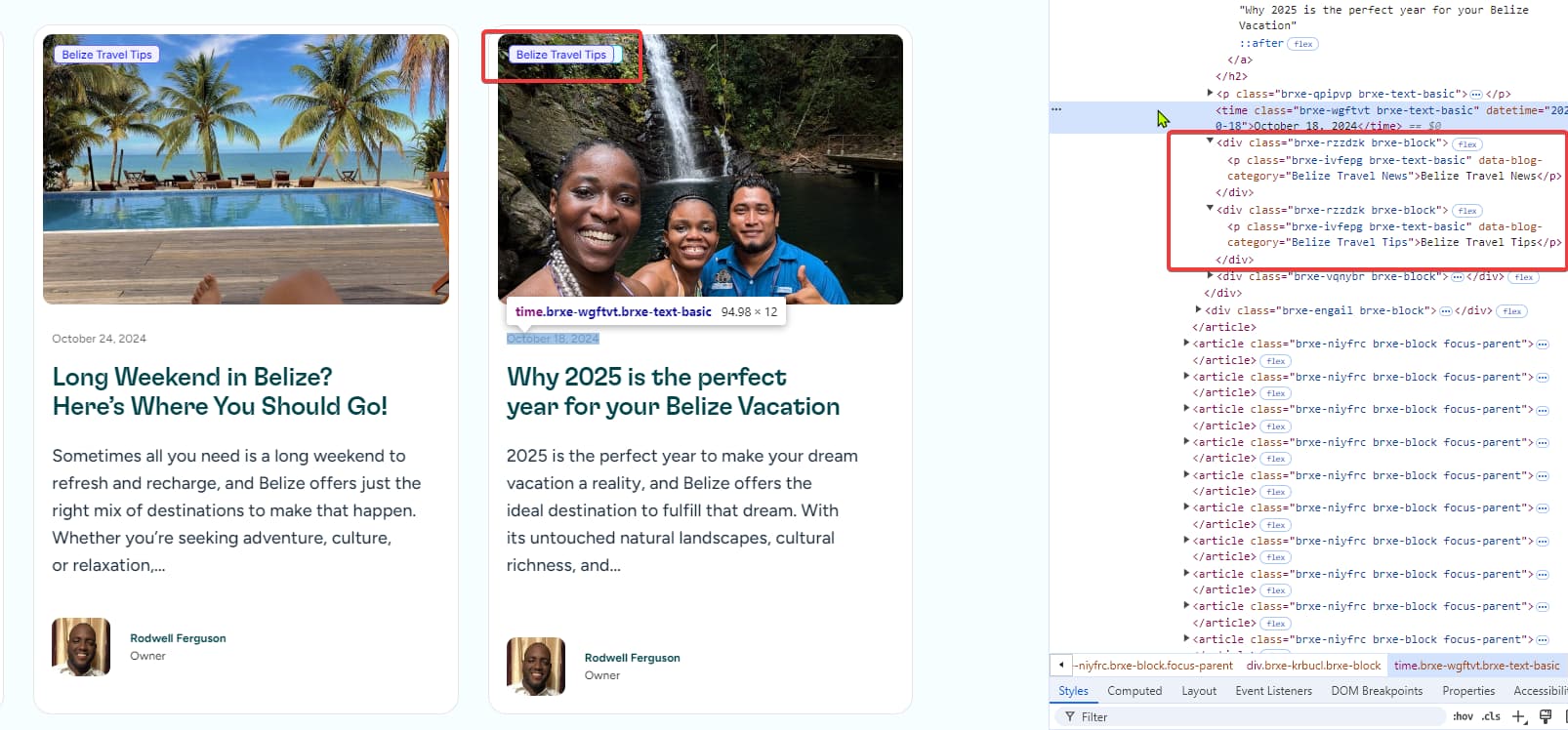
Ideally, what I would have wanted was the terms showing up in a div that I can use flex on, so show the badges side by side and still be able to position the div where the badges are now. However, each term_name outputs inside a div and so when I am using absolute positioning I am now getting the issue where they stack over each other.
what’s the loop? You are looping posts, right? For {term_name} to work, you have to loop over terms. So you will have to add inner query loop, that will loop over terms, and you will be able to output them.